

Create a Vlogmas Intro Cartoon with Christmas Room Charm
Create your Vlogmas Intro Cartoon
Watch a short motion study
History
Loading history…
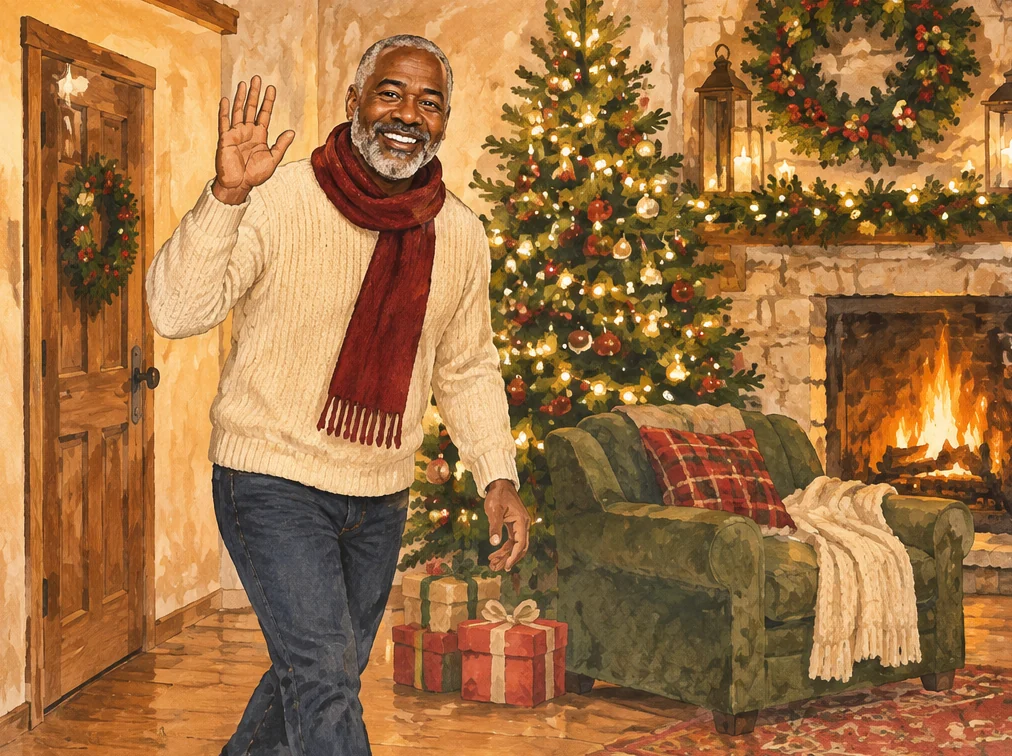
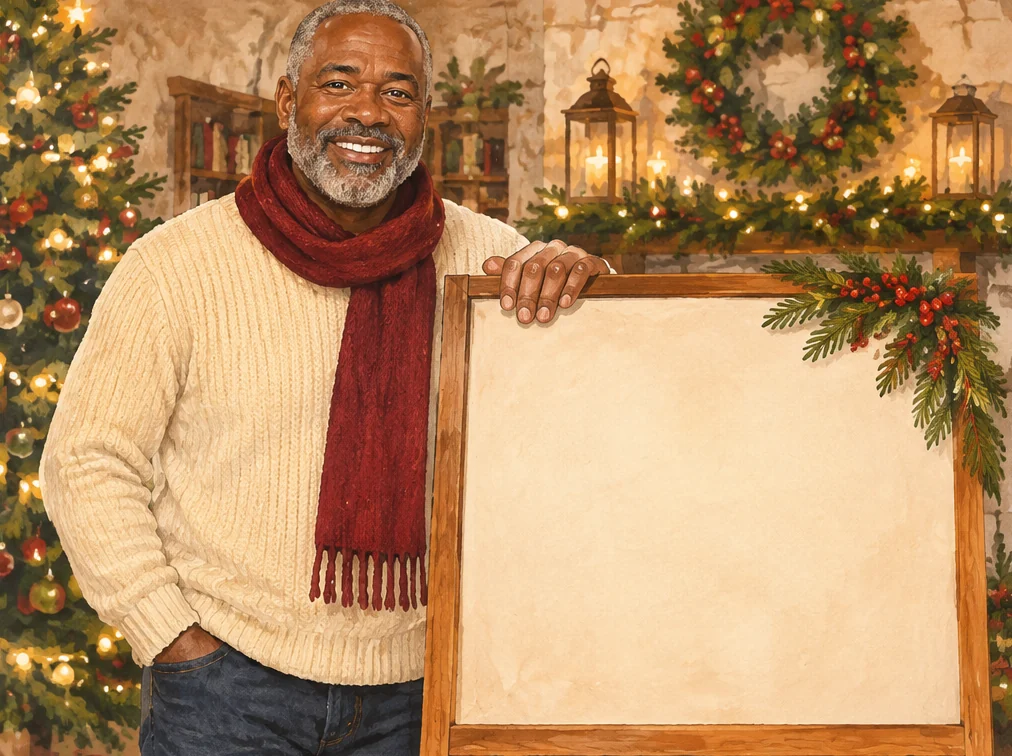
A Vlogmas Intro Cartoon turns one clear photo of your vlog host into a gouache picture-book character who walks into a cozy Christmas room, waves, and pauses beside a blank holiday sign. Upload the host photo, review or edit the pre-filled effect prompt, then start the 15-second video generation.

Make your Vlogmas opener
- Choose one clear photo of the adult host, with their face visible and unobstructed.
- Upload it as @Image1; the generator requires exactly one photo.
- Review the pre-filled effect prompt and edit it if you want to adjust the scene direction.
- Check the live credit quote shown in the generator, then start generation and review the clip when it is ready.
From host photo to holiday key frame

Ways to use a Vlogmas opener
- December episode introductions Set a warm seasonal tone before a daily vlog, gift-wrapping session, or holiday kitchen update.
- A recurring channel welcome Use the same cozy-room concept as a recognizable opening idea throughout a run of December videos.
- Vertical-first previews Use the portrait-friendly composition as a starting point for a short episode teaser or vlog preview.
Check the clip before saving
- Confirm the cartoon host still looks recognizably like the person in the uploaded photo.
- Check that the walk-in, wave, and smile read clearly in the vertical-friendly framing.
- Keep the sign blank or add any lettering separately; generated lettering is not guaranteed.
Common questions
What is a Vlogmas Intro Cartoon?
It is a short, illustrated December-vlog opener made from one host photo, with a cartoon walk-in, wave, and pause beside a blank holiday sign.
Can I try it free?
Check the live credit quote shown in the generator before starting, and visit the pricing page for current plan details. No credit amount is stated here.
What do I need to upload or type?
Upload exactly one clear photo of the host as @Image1. The effect prompt is pre-filled, so you can keep it or edit it before generating.
How long does it take?
Generation usually takes a short wait, which can vary with queue load. The finished clip can be up to 15 seconds long.
How can I make the holiday sign look right?
Keep the board blank in the generated clip because exact lettering is not guaranteed. Add any title separately if you need precise wording.
More ideas to explore
bulkbgremover.com · Updated
See update history
- — Added a one-photo guide to creating a gouache-style Vlogmas opener with a host walk-in, wave, and blank holiday sign.