Product Background Remover
Explore a product-image workflow when a clean subject background is your priority.


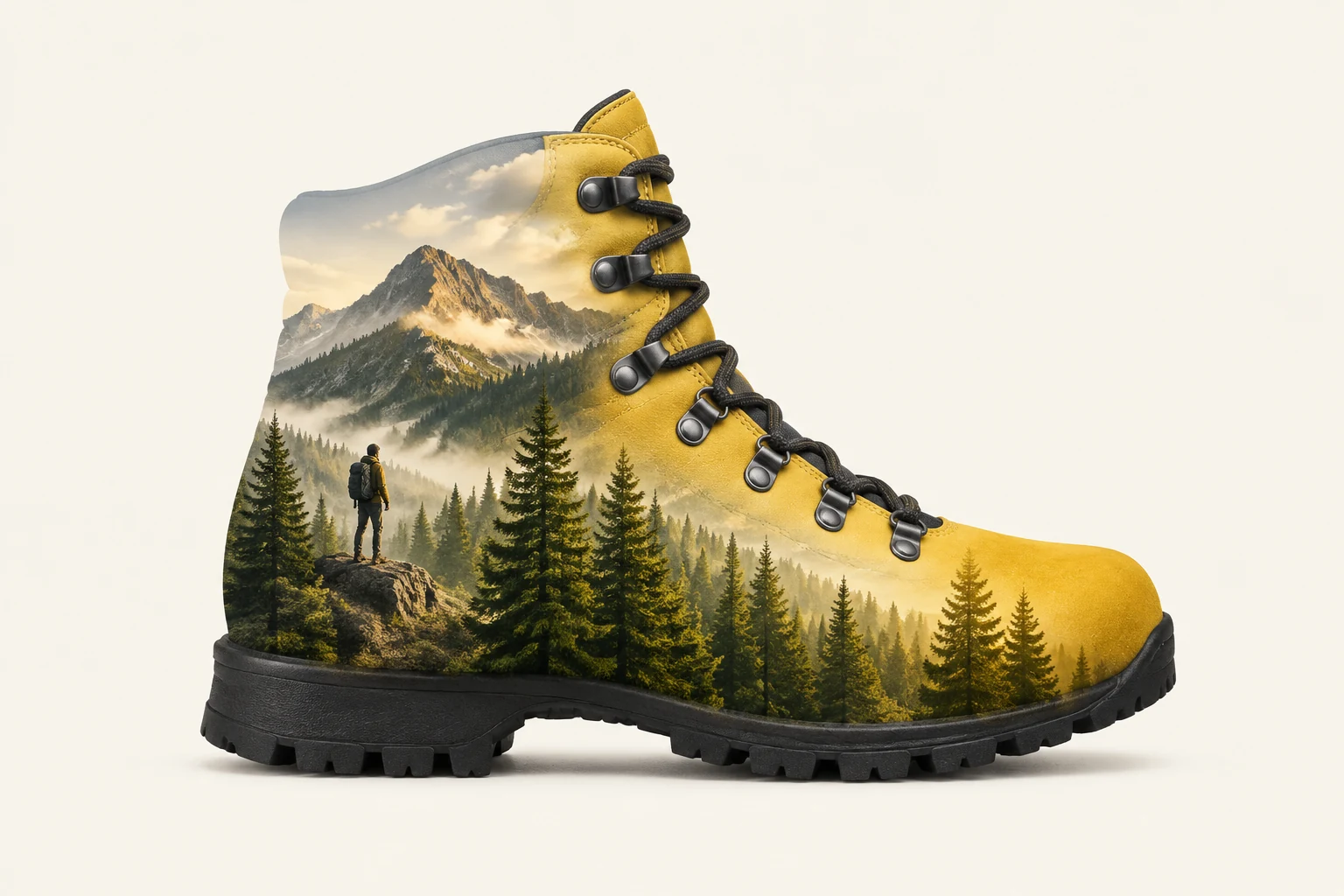
A Double Exposure Effect combines a recognizable subject silhouette with imagery visible within its form. For a product-art concept, start with a clean-edged object and describe the interior scene in the prompt. This guide uses an original, unbranded yellow hiking boot with dark laces and a simple black sole, filled with an alpine pine forest and a small mountain ridge against a clean ivory studio background. The result is an artistic blend, not a faithful catalog photo or proof of a product’s actual color or construction.
For an uploaded image, use one clear photo of the main object. Choose a view that shows its full outline, with useful contrast and visible separation from nearby objects or the background. Avoid busy surroundings that merge into the subject’s edges. The yellow boot is only a guide example; use the actual subject in your image rather than changing it to a boot.
Decide what should appear within the silhouette and keep the idea focused. A pine forest and small ridge give the example boot an alpine theme without competing with its shape. With an upload, describe the motif in the editable prompt. The detail illustration is a visual reference for wording, not a second image input.
Use Text to Image to create an original fictional subject and motif from text, without uploading an image. Use Image to Image when you have one uploaded subject image and want to guide its treatment with an editable prompt. Seedream 5.5 offers the current panel size and aspect options; choose one that suits the intended composition.
Check the live credits beside Generate before starting, then review the job status in History. Examine whether the subject remains recognizable, its outline is clear, and the interior motif reads as part of the form. If needed, revise the prompt’s motif, contrast, or background description and try again.
The visual idea depends on two elements working together: a distinct subject silhouette and a secondary image or pattern that appears inside it. For product-silhouette art, clean boundaries help the viewer identify the object before noticing the motif. A simple background, such as ivory in the boot concept, keeps attention on that relationship. The motif should support the subject rather than disguise it. This is an expressive art treatment, so it should not be presented as a faithful product photograph.
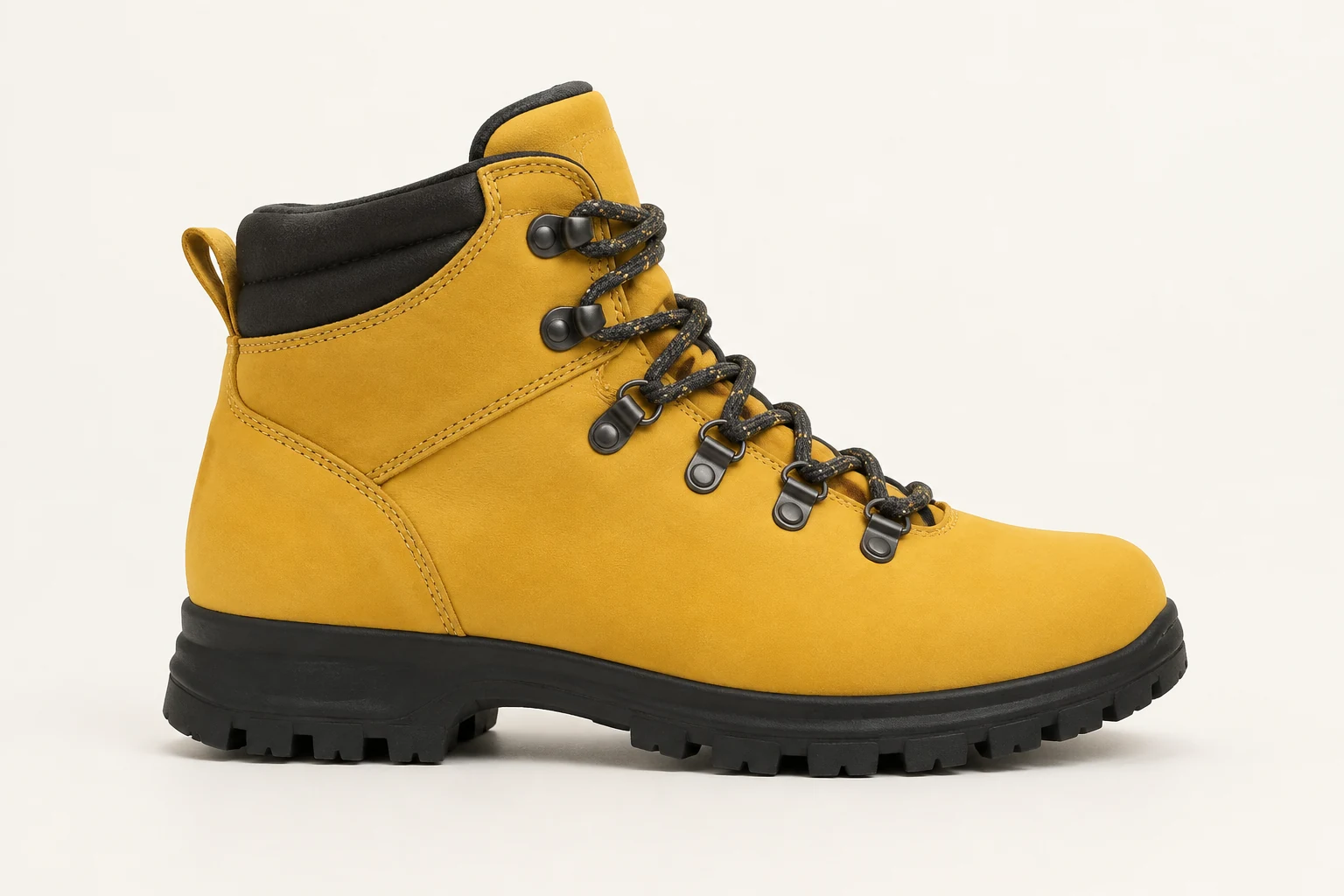
Choose a single uploaded image in which the main subject is easy to distinguish. A plain or visually quiet background, even lighting, and space around the outline can make the intended shape clearer. Check that important features are visible and not cropped off. Then describe the interior motif in the editable prompt, along with the background and desired clarity. This workflow uses one subject image; the motif is specified in words rather than supplied as a separate landscape image.

Name the qualities that matter: the subject’s visible outline, proportions, pose, and recognizable features. Ask for the motif to sit within the subject’s form and for the boundary to stay easy to read. For arbitrary uploads, describe their actual features instead of copying the boot example. With fictional adult portrait art, identity and hair can vary, so review those details if they matter to the concept. Keep the background description simple to avoid distracting from the blend.
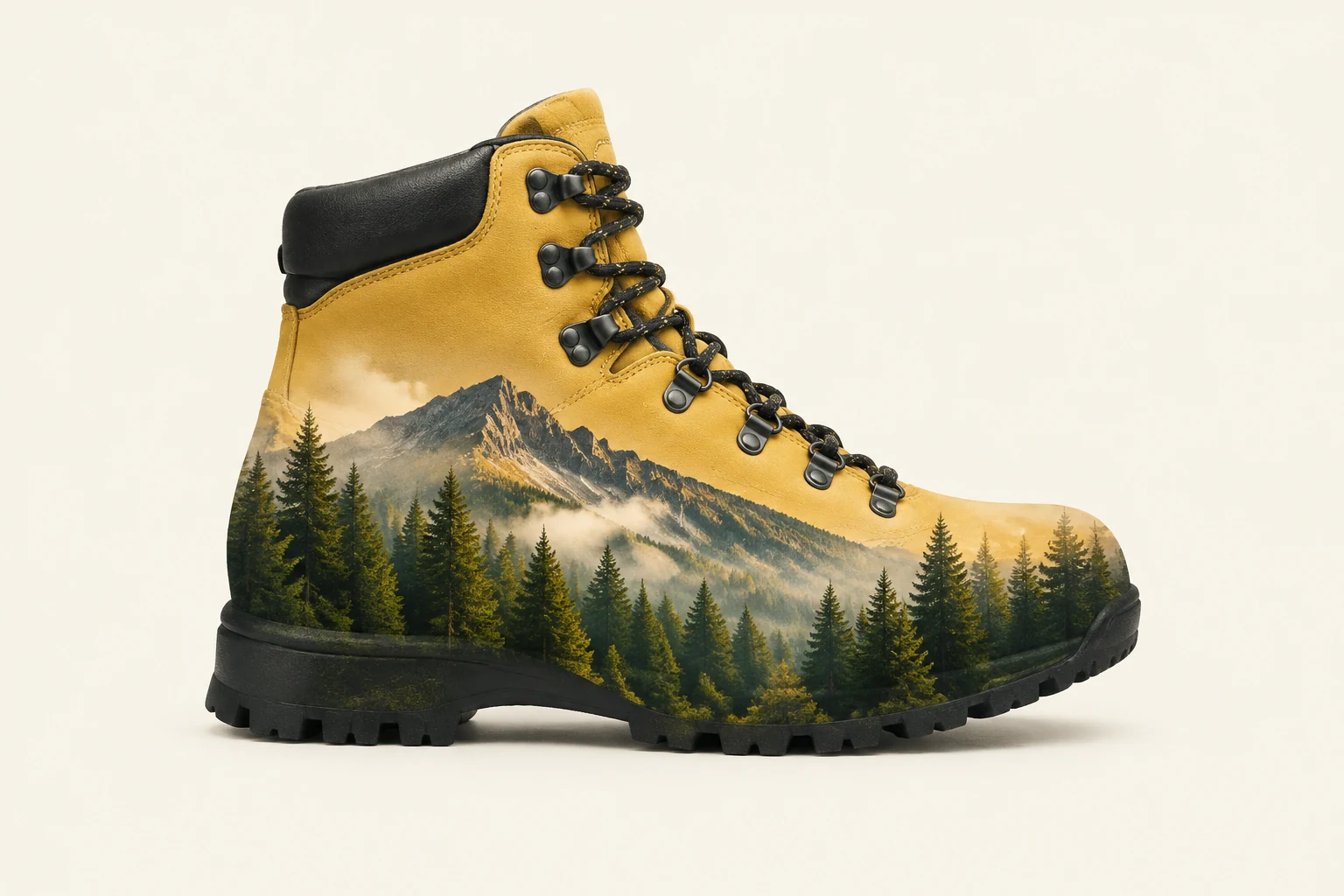
Look at the result at a useful size and check whether the subject still reads clearly, the motif is visible, and the background supports the composition. If the blend overwhelms the silhouette, ask for a subtler motif; if it is hard to notice, request stronger contrast within the subject. Treat the boot illustration as an artistic reinterpretation, not evidence of real product color, construction, or commercial accuracy. Review the live credit information and History status as part of the workflow.
Yes. Text to Image creates an original fictional subject and motif from a text prompt, with no upload.
Use one uploaded subject image. Describe the interior motif in the editable prompt.
A quiet background and clear contrast around the subject can make its outline easier to distinguish.
Preserve the actual outline, proportions, pose, and recognizable features where possible, then review the result. Exact likeness is not guaranteed.
It is an artistic reinterpretation, not a reliable record of a real boot’s color, construction, or commercial appearance.
Check the live credit amount beside Generate before starting, and review the job status in History.
Explore a product-image workflow when a clean subject background is your priority.
See an option for preparing product images with white backgrounds.
Review a resizing workflow for handling image dimensions.
Visit the pricing page for current plan information.
bulkbgremover.com · Updated