A clean subject study
Explore a dance scene against a simple background before adding visual complexity.


BULKBGREMOVER MOTION GUIDE
Loading history…
Build an original Doja Cat Juicy AI dance concept around a clearly visible person. Upload one photo, add a short movement note and optionally include a compatible dance video. A simple background makes the body easier to follow. The workflow does not automatically provide a celebrity, the original song or fixed choreography.
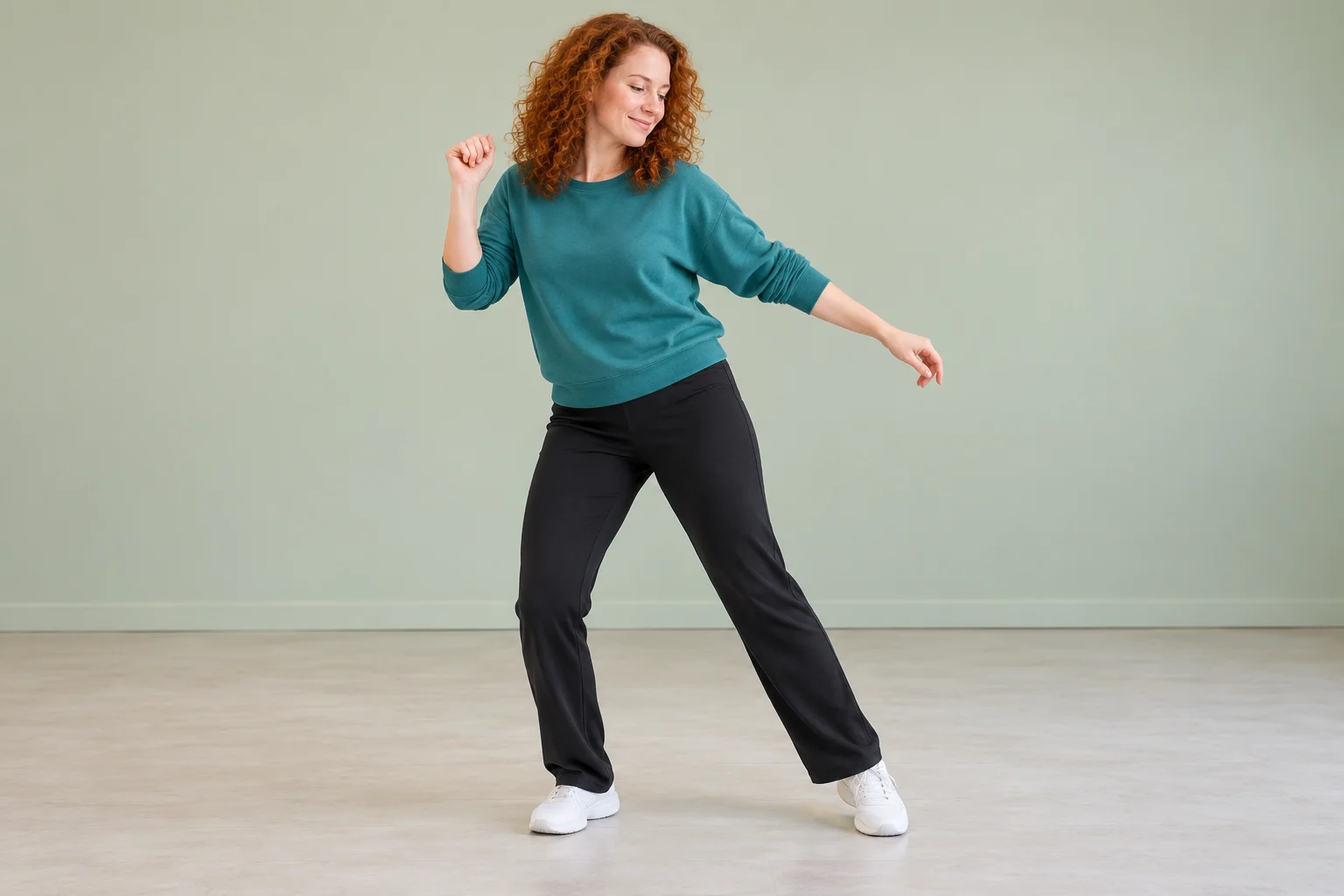
A clean subject outline helps you judge a dance scene. Choose clothing that separates from the intended background and leave space around the hair, arms and shoes. The teal outfit and pale sage room in this concept keep attention on the person without relying on a complex set.
This dance page does not require a transparent cutout. A normal clear photograph can communicate identity. If you prepare an image elsewhere, keep the face and body intact; removing too much detail can make the person harder to interpret. The aim is readable appearance, not a particular file treatment.
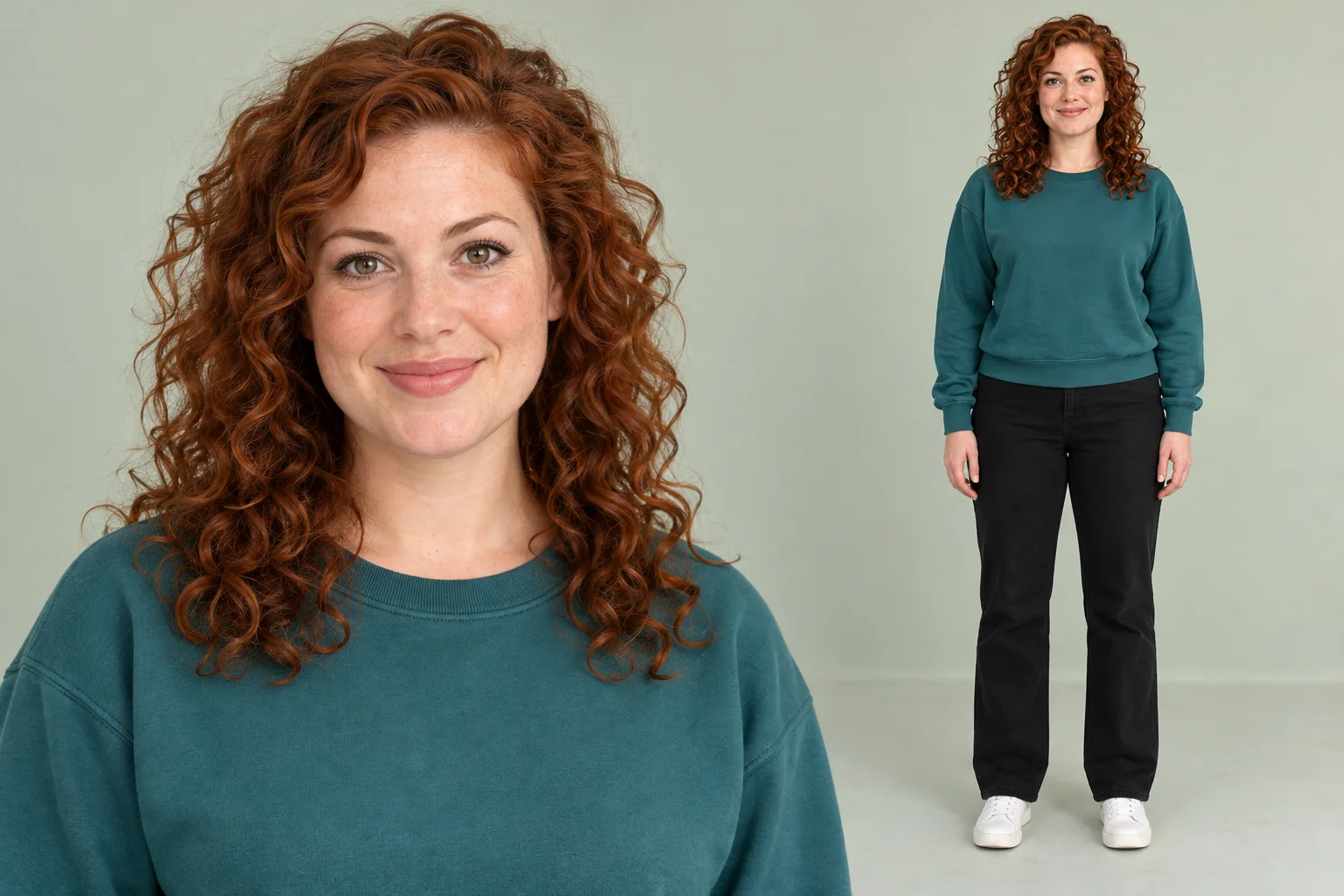
Use one person with even light and an unobstructed face. A visible body outline and clothing provide context for a full-body scene. Avoid overlapping people, furniture covering the legs or a crop that removes most of the outfit.
Do not place several reference views into the single image slot unless they still communicate one unambiguous person. A simple standing pose is a useful starting point. The photo supplies identity, while text or the optional uploaded video supplies the movement idea; you do not need to photograph a real routine yourself.
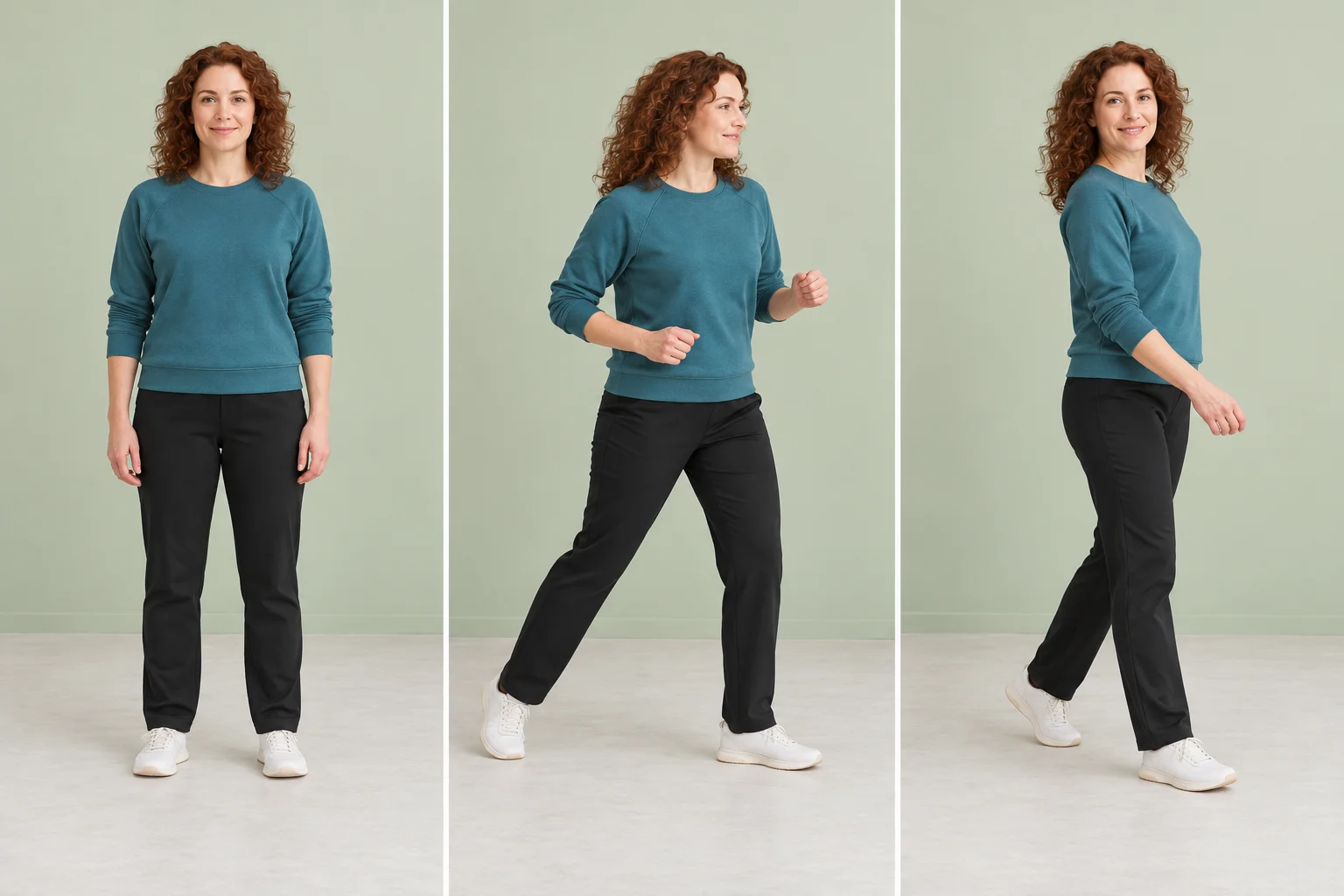
For a basic request, describe a few restrained gestures and leave the video slot empty. If you need to show a movement order, sign in and upload a compatible MP4 or MOV. Prefer one dancer with clear limbs and visible feet, then inspect the accepted preview. The accepted upload range is 2–15 seconds and 24–60 fps, with a maximum file size of 32 MB.
The quote can change when a movement clip is added or removed. Read it again after changing the inputs. A note such as “steady full-body view, gentle side steps and an uncluttered room” keeps the request focused. The demonstration is not automatically attached, and an uploaded clip remains guidance rather than a promise of an exact copy.
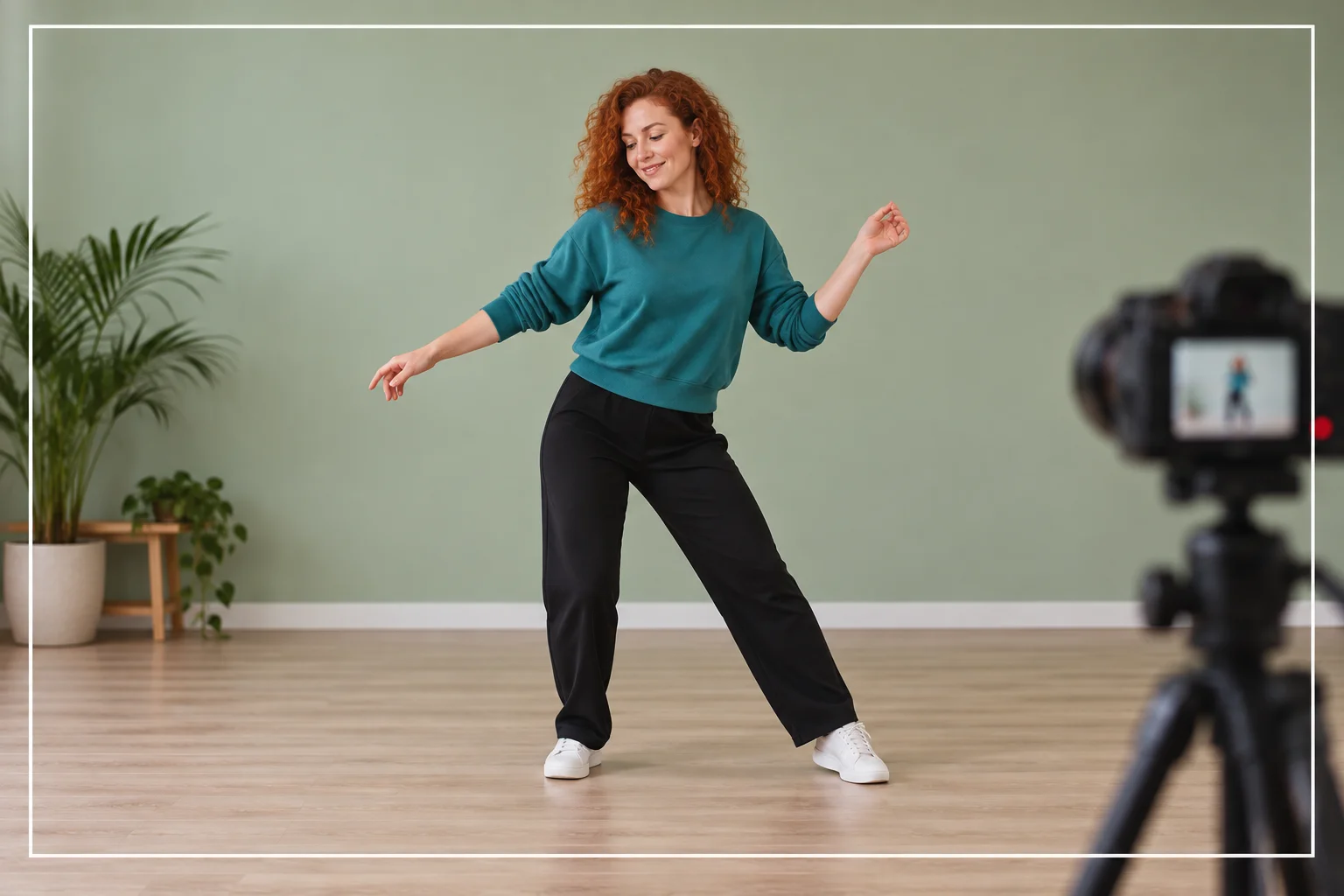
Check the outline around the hair, hands, sleeves and shoes as the body moves. Look for limbs that merge with the background, clothing that changes shape unexpectedly or feet that lose contact with the floor. Review the face again after the turn to see whether the same person remains recognizable.
Do not judge the result only by a still thumbnail. Watch the entire clip and choose a take whose movement stays readable. Download it from History for any further work. Background editing, caption placement and soundtrack selection are separate steps; this form does not promise a transparent video or automatic song synchronization.
Explore a dance scene against a simple background before adding visual complexity.
Compare how clothing separates from different room colors.
Create a readable person-focused clip for a later edit.
No. Use one clear person image with useful facial and clothing detail. This page does not require a cutout or promise a transparent video output.
No. Video guidance is optional. Without it, the written movement direction guides the request; the displayed demonstration is not silently included.
This form has one lead identity slot. Choose a single person rather than a group image when you want a clear subject-focused dance.
No particular song or artist likeness is provided. Use your own permitted reference and handle any soundtrack in a separate editing step.
The current model requires purchase access and sufficient credits. The live quote reflects your selected settings and accepted video guidance; no free allowance is promised.
The page requests 15 seconds. Actual processing time depends on the service and queue, so check History for progress.
bulkbgremover.com · Updated