

Bama Bound AI: Choose the Right Portrait First
Prepare a Bama Bound AI banner celebration by selecting one strong portrait. A clean face, complete shoulders and an uncluttered outline provide a useful starting point for the raised-banner scene; organize alternatives before deciding which one to use.
Create your banner celebration
Watch the banner-raising reference
History
Loading history…
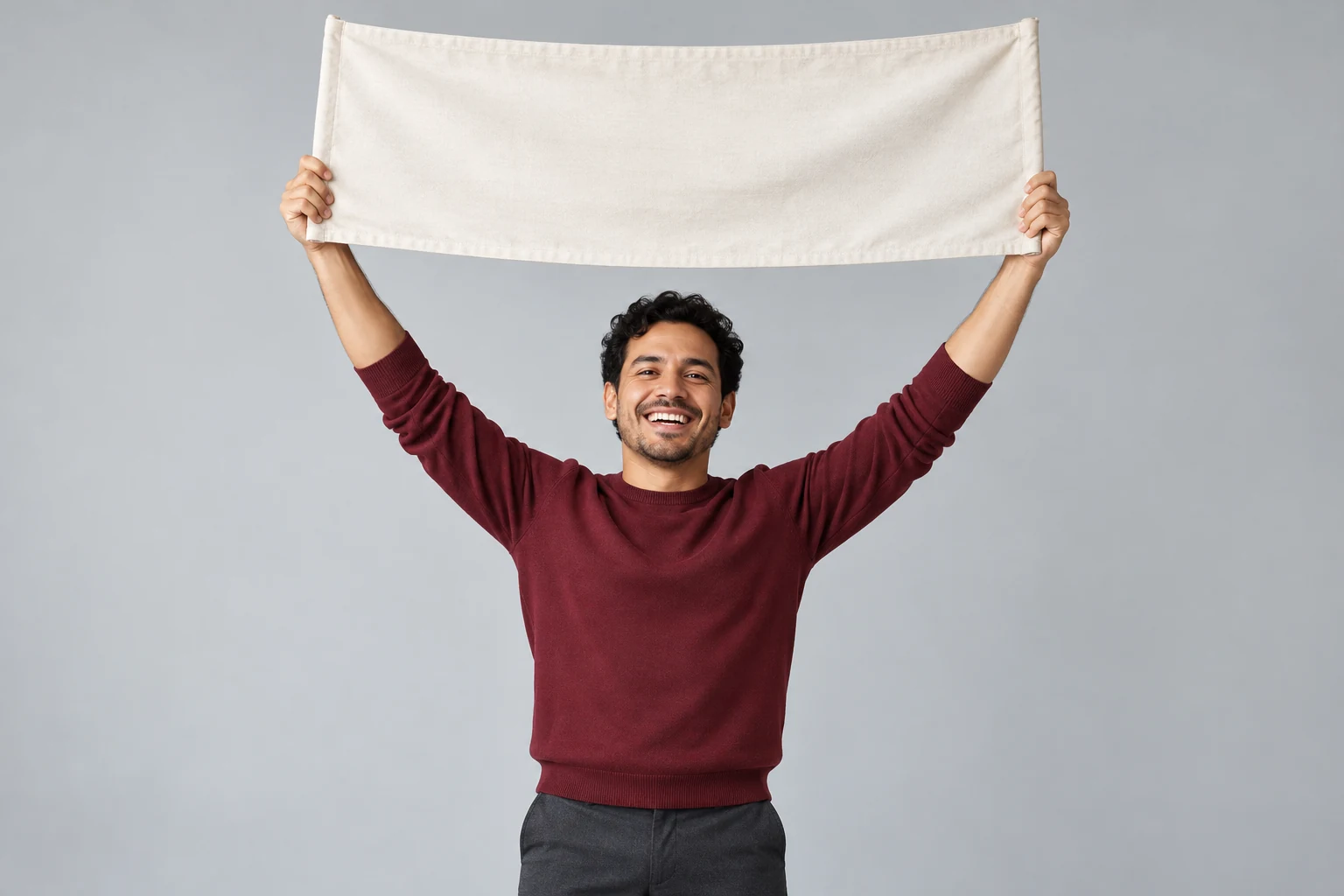
Select one good source from your portrait options
When you have several photos, compare them for clarity rather than choosing the most dramatic one. A front-facing image with even light and visible shoulders is often easier to evaluate than a tightly cropped selfie. Keep only one person in the selected frame. Sort alternatives by background, clothing and expression so a later revision changes one meaningful thing at a time.
The gray-studio concepts focus on a neat silhouette and a simple cream banner. Use those images to consider spacing and fabric edges. Preparing several source files does not make the video form a batch generator: each attempt uses one selected lead image.
Make your celebration step by step
- Watch the fixed reference and confirm that its raised-banner celebration matches your idea.
- Choose one clear person photo. Keep the face, shoulders and clothing outline readable.
- Optionally describe the atmosphere and framing. Read the current settings and credit quote.
- Submit once, follow progress in History, then review the whole clip before downloading or sharing.
Choose the person before the setting
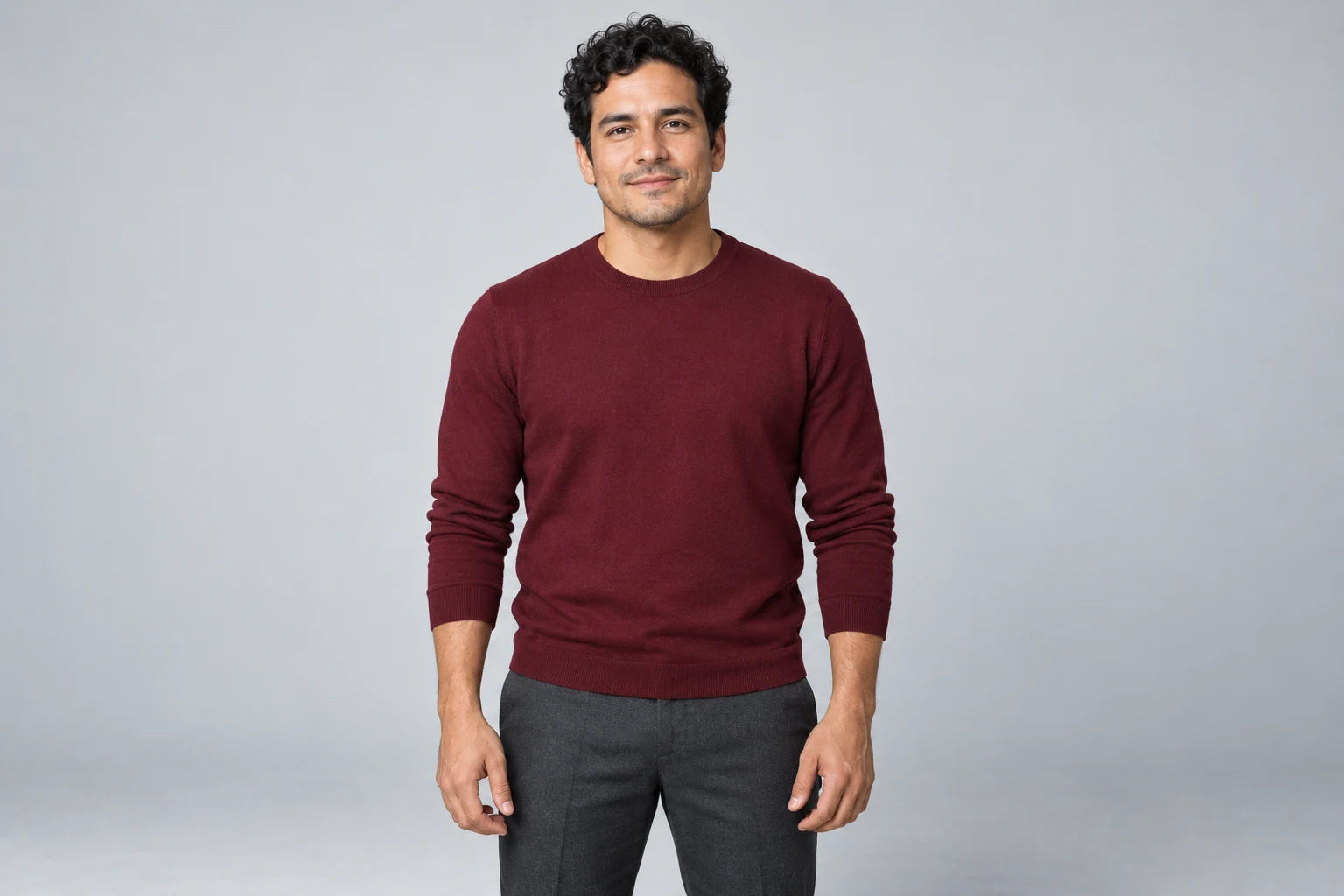
Use a sharp image with a face you can recognize without zooming. Avoid sunglasses, hands covering the face, heavy motion blur and several people in one frame. A wider portrait supplies more information about the shoulders and clothing than a tiny face crop.
Keep the source natural. Strong beauty filters and extreme contrast can hide useful features. If you compare two attempts, keep the settings similar and change only the reference or a short style note, so you can judge what improved.
Give the banner and hands enough space
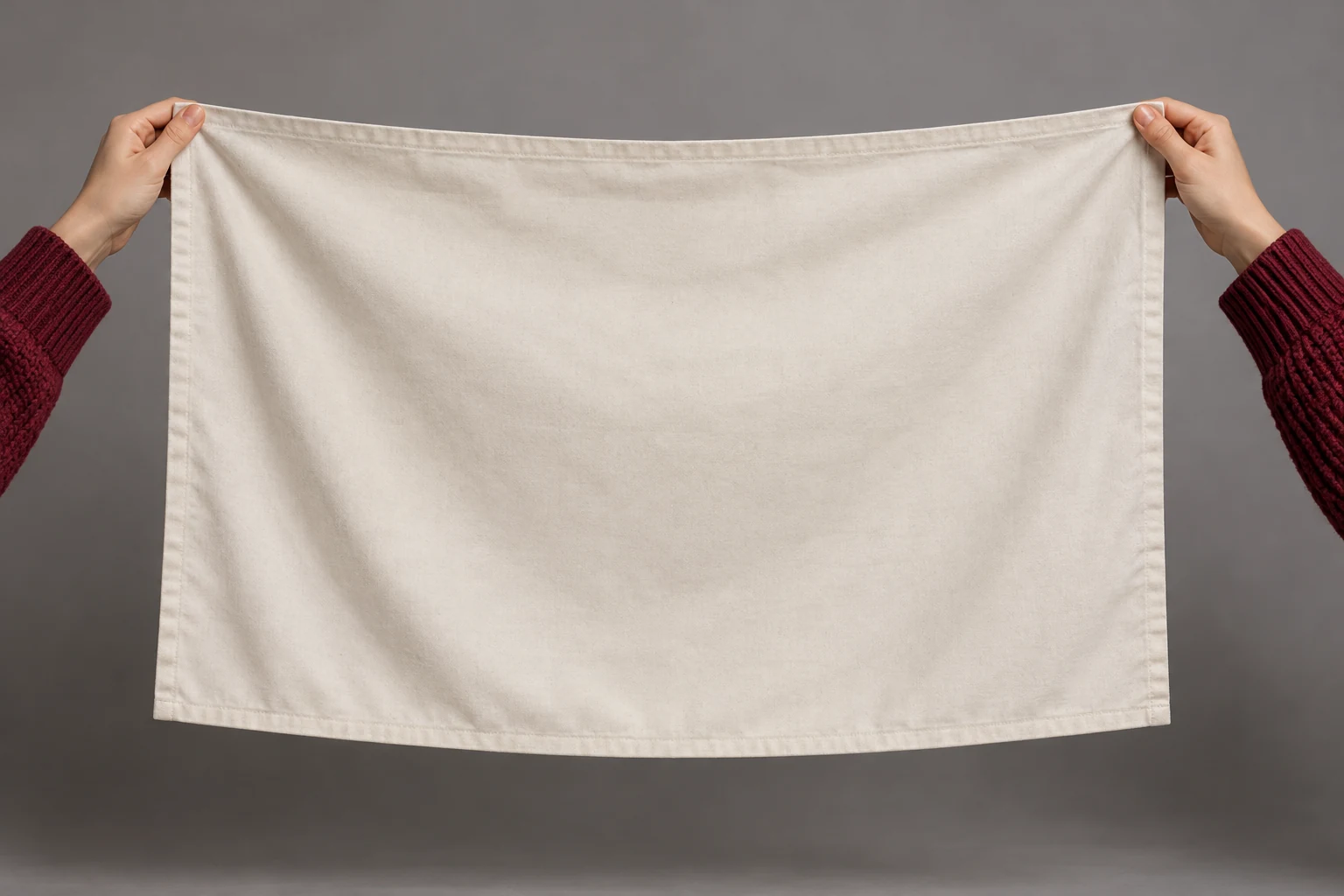
The cloth moves above the face, so a composition that looks comfortable before the lift can become cramped afterward. Check both ends of the banner and both wrists. Watch for fingers merging into fabric, shifting letters or a face hidden behind a fold.
The concept illustrations leave the cloth unprinted to show spacing. The actual fixed reference contains the Bama Bound message. Treat exact lettering as a separate review step, especially on fast-moving folds; a readable first frame does not prove that the rest of the clip is clean.
Add one useful style direction
Start with a short note such as: Clean gray studio, soft side light and a joyful expression with both hands fully in frame.
Describe what should change about the look rather than writing new choreography. One lighting choice and one framing preference are easier to review than a long list of effects. Keep the supplied banner action central and avoid asking for extra people or an unrelated scene transition.
Review a clip that you would want to share

Watch once at normal speed to judge the feeling, then pause at the lift and the held-banner moment. Compare the face with your source, check the grip on each end of the cloth and read the whole message. Choose a cover frame only after that review.
A personal milestone post, a playful reaction or a celebration message can use the same simple visual idea in different ways. Add context in your post caption, keep any added audio appropriate to your project and make your final edit before sending the clip.
Explore the next part of your project
Bama Bound AI questions
What does Bama Bound AI make?
A short photo-led video based on the supplied banner-raising celebration. One lead image supplies the person, while the fixed reference supplies the action. It is a creative announcement clip, not an official university message.
Do I upload a video or a second photo?
No. This page uses one lead photo and its fixed motion reference. There is no second-character slot or replacement-video upload in this workflow.
Does my photo need to show a banner?
No. A clear single-person photo is enough to provide the lead appearance. The supplied video carries the banner action. Leave room around the head and shoulders in your source rather than cropping the face extremely tightly.
Will the banner text be perfect?
Do not assume every letter will remain exact while fabric moves. Watch the whole clip and inspect the message, folds and hand grips. If exact typography matters, finish and check the wording in your own editor before sharing.
Can I add a different visual style?
Yes. Optional style notes can describe light, color and framing. Keep them short and compatible with the banner lift; a different action or multiple scenes can compete with the fixed reference.
Is nine seconds the processing time?
No. Nine seconds is the configured output length. Processing depends on the service and queue. The motion reference is approximately eight seconds long; it guides the action and is not the finished result.
Is generation free?
Access and cost follow the current account and model offer. Read the live credit quote before submitting and check your balance. This guide does not promise unlimited use, a fixed price or a free allowance.
What should I check before sharing?
Review face consistency, fingers, cloth edges and banner wording at normal speed and when paused. Pick a clear cover frame, then add any finishing captions or audio in your preferred editor.
bulkbgremover.com · Updated
What's new on this page
- — Added photo inputs, a motion reference preview and guidance for creating this video effect.