Pricing
Review the pricing information before choosing a workflow.


Loading history…
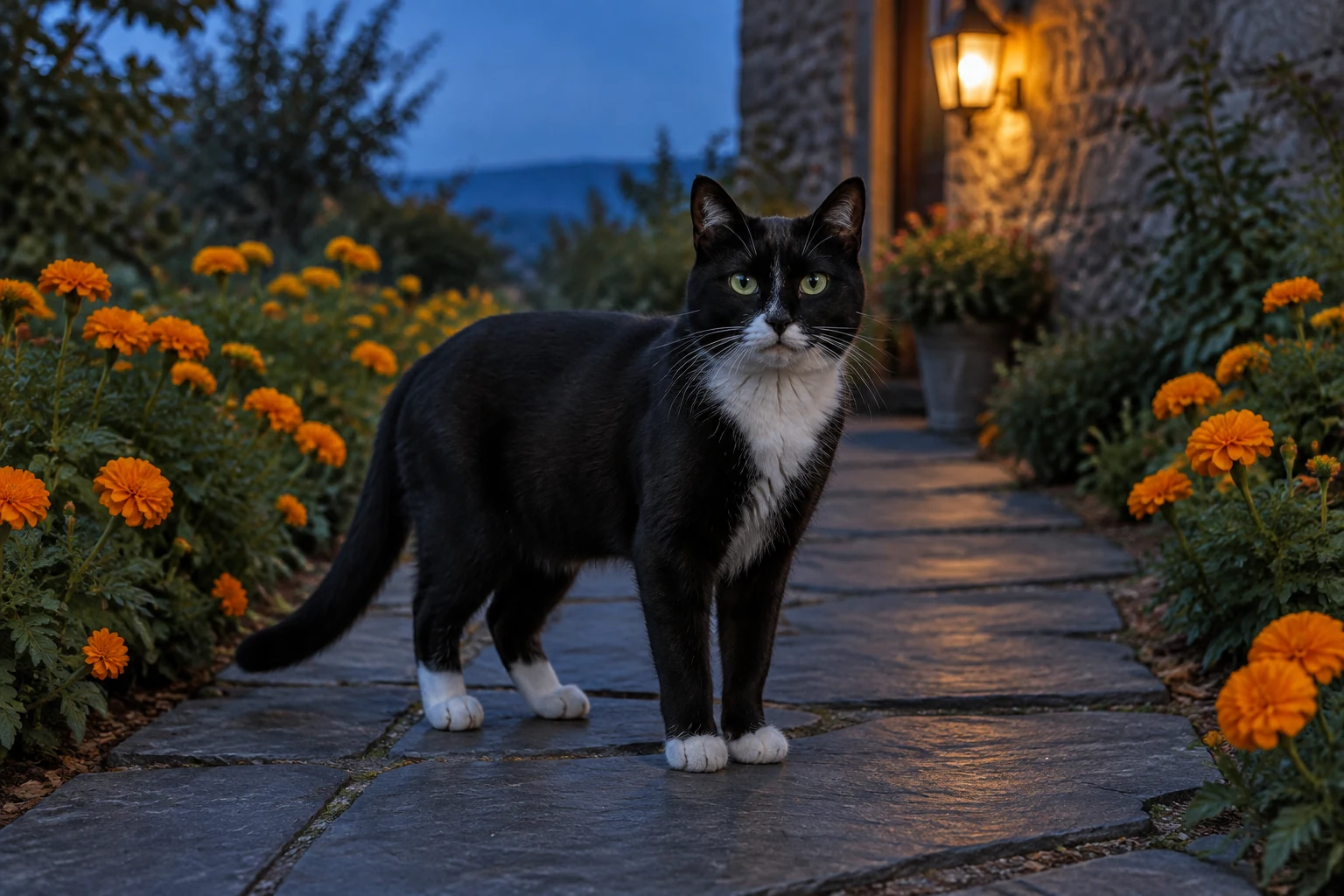
For a calmer AI Day Of The Dead Pet Video, start with a readable pet silhouette and an uncluttered frame. Choose Text to Video to describe a scene from scratch, or Image to Video to animate one prepared pet photo. Keep the remembrance understated: a quiet slate-gray courtyard, a curved orange-marigold border, and warm wall lanterns at blue hour. Review the result for changes to the pet’s appearance before deciding whether it suits your purpose.
In Text to Video, write a scene description without uploading a photo. In Image to Video, supply one prepared pet photo and describe how the scene should develop. The prompt is editable, and Try an example is available in the interface.
For Image to Video, choose a clear image of one pet. Prefer a view where the face and body are visible, with ears, paws, and tail easy to distinguish. Avoid busy surroundings, overlapping animals, or props that hide important features. A clean outline gives you a better basis for checking motion.
Use the relevant prompt above as a starting point, then edit it to suit your idea. A quiet setting, one steady low eye-level continuous shot, two small natural steps, and a calm pause are easier to review than a crowded scene or elaborate action. If the prompt feels too complex, remove secondary details.
Choose among the current duration, aspect, resolution, and audio options shown in the Seedance 2.5 panel. Check the live credit amount beside Generate before submitting, and check request status in History. Inspect the ears, eyes, coat, paws, and tail throughout any movement. Regenerate or simplify the prompt if details shift. Audio follows the live controls; add any personal text or music editing separately if needed.
Text to Video is for describing a scene from words; it has no pet-photo upload. Image to Video starts from one prepared pet photograph. In either mode, you can edit the prompt before generating, and Try an example can help you get started. Keep the instructions focused on the subject, setting, camera, and simple movement.
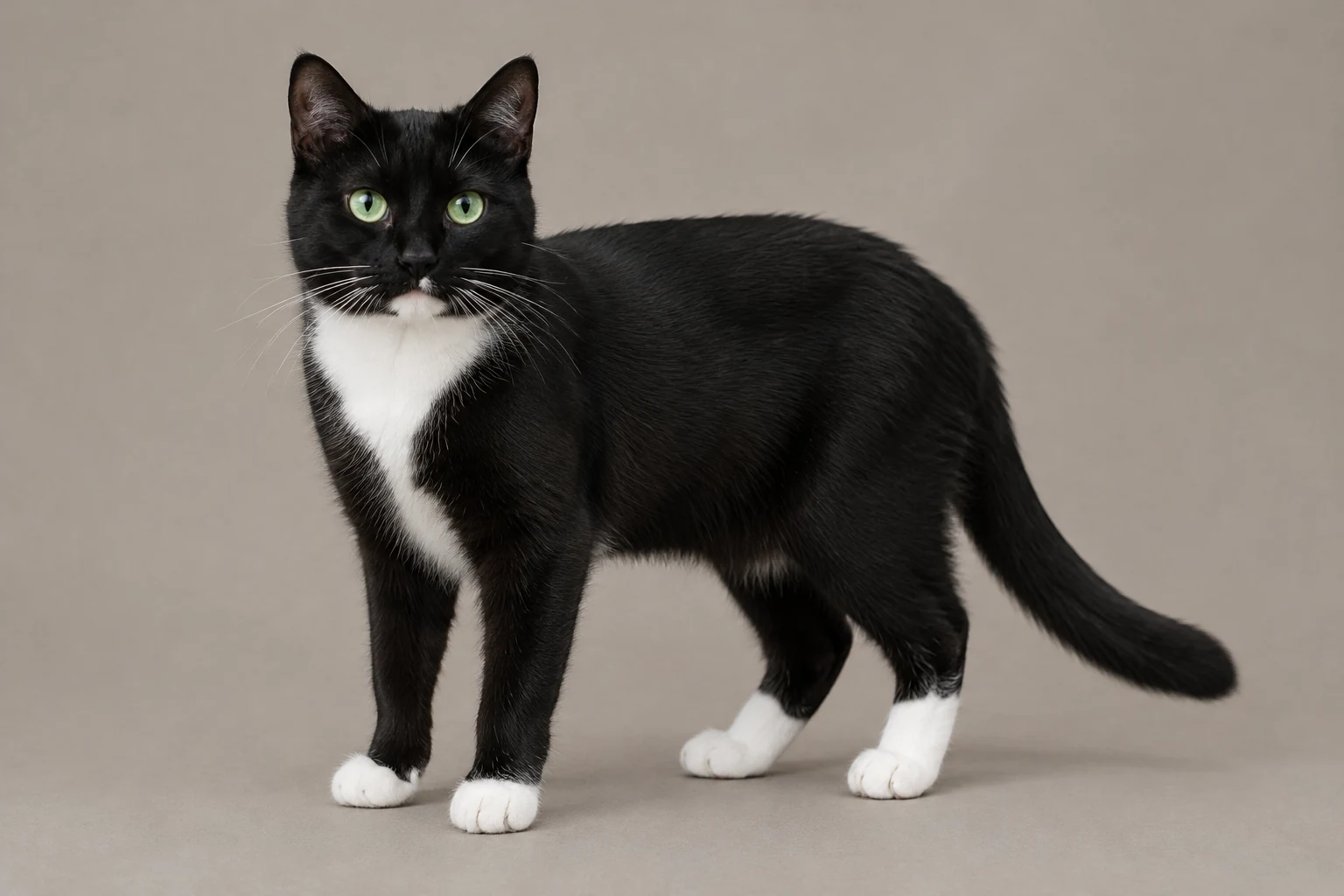
A strong reference frame shows one animal clearly against a relatively calm background. Check that the face is visible and that the ears, coat markings, paws, and tail are not hidden or confused with nearby objects. For a black-and-white cat, for example, visible separation between the white chest and dark coat helps you spot changes. The example cat in this guide is only a prompt subject; when adapting a real photo, describe and preserve that animal’s actual features instead.
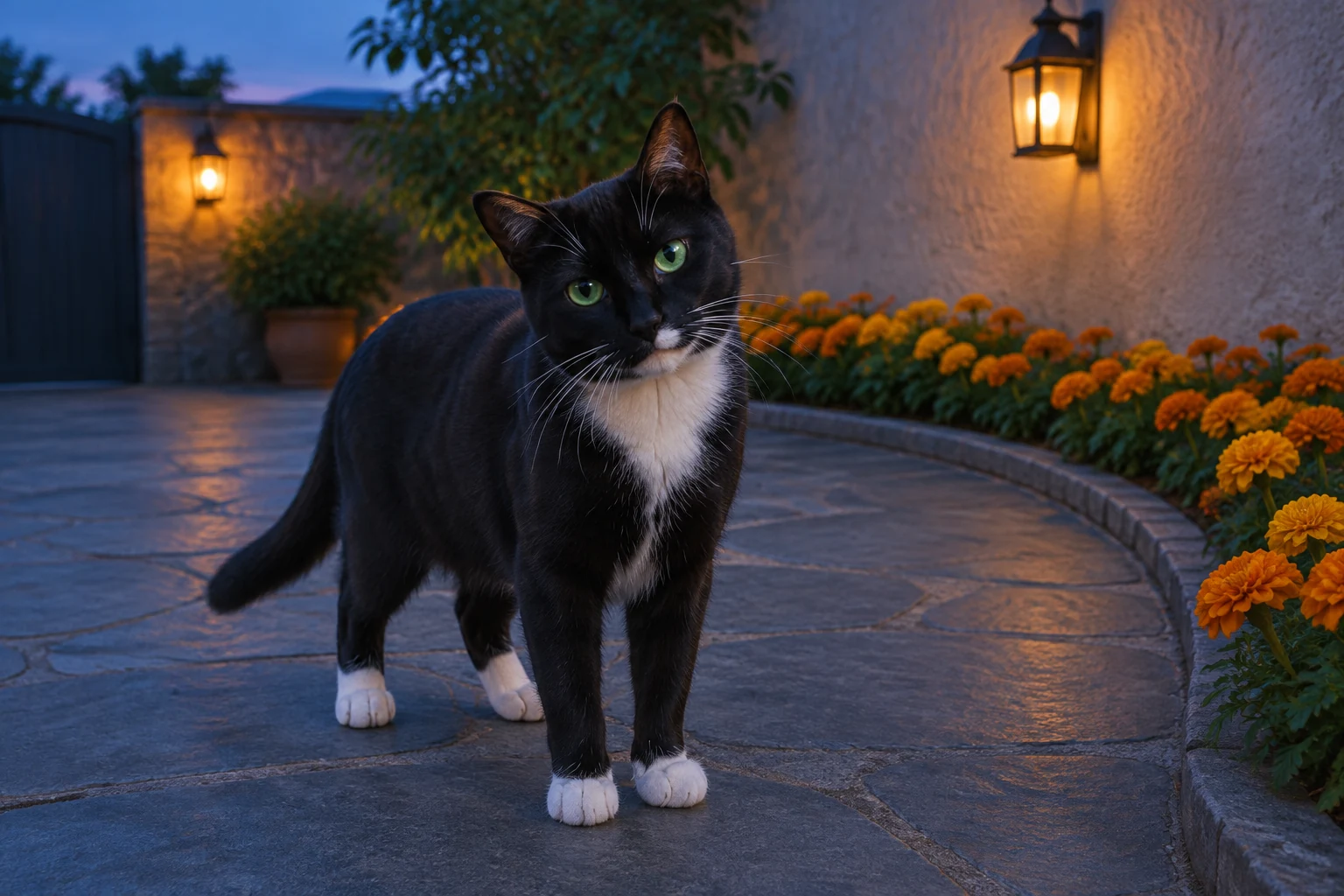
The slate-gray courtyard, curved orange-marigold border, and warm wall lanterns at blue hour give the scene a few legible visual anchors. Keep the frame uncluttered and ask for a gentle marigold-lit setting rather than piling on decorations. Two small natural steps followed by a calm pause provide a modest movement arc without complicated action. A steady low eye-level continuous shot keeps attention on the pet and the changing details that need review.
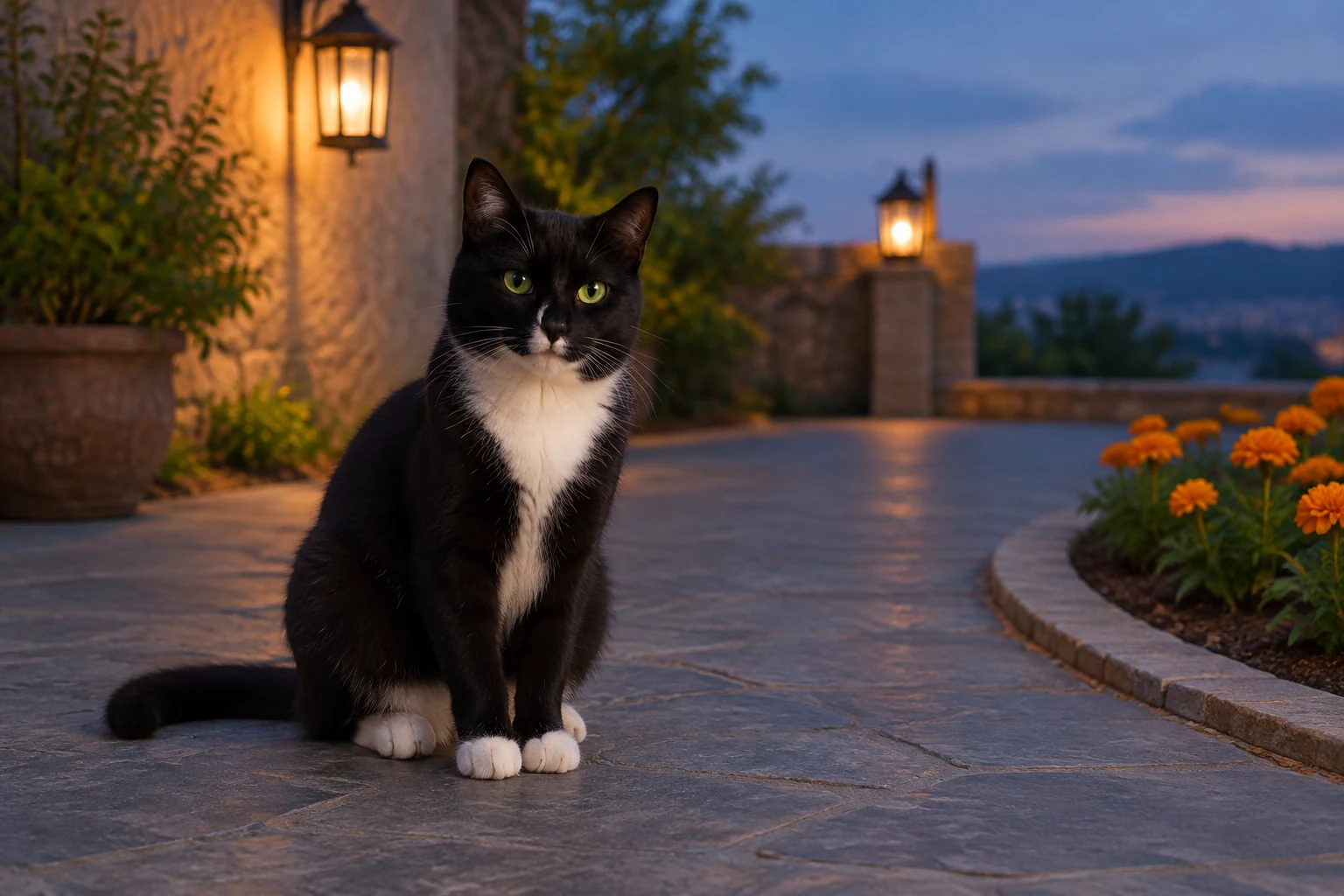
Watch the full clip, not only its opening frame. Look for changes in the pet’s face, fur markings, ear shape, body, number of legs, collar, and the visibility of paws or tail as it moves. If a prompt includes too many scene instructions, trim it and try a more focused version. Treat the result as an imagined creative remembrance, not recovered footage, a real visit, or a promise of emotional comfort.
No. Text to Video uses a written prompt; Image to Video is the mode for one prepared pet photo.
Yes. For Image to Video, adapt the edit prompt to the dog’s actual features and preserve its species, face, markings, ears, body, leg count, and collar if present.
The courtyard is an editable example. Change the scene description while keeping one pet, simple motion, and a clear visual outline.
Choose from the duration, aspect, resolution, and audio options currently displayed in the Seedance 2.5 panel.
Check live credits beside Generate before submitting, then look in History for request status.
Exact likeness is not guaranteed. Review the full clip for changes to the face, coat, ears, paws, tail, and any collar.
bulkbgremover.com · Updated