Bama Bound AI
Explore another short-form AI video concept built around a supplied image.


Loading history…
Create a short Puerto Rican Mami Dance-inspired clip from one full-body image, whether it shows one adult or two adults together. This guide focuses on clear silhouettes and a small outfit-in-motion study, while keeping the people, clothing and setting in your photo.
Upload a single image showing either one adult or two adults together. Aim to include each person from head to feet, with enough open space around them for a small movement. Do not upload separate portraits or a video.
The dance direction is already prepared. Add a few short notes only if you want to guide the visual style or clarify a detail; you do not need to write choreography. The supplied people, outfits and setting remain the visual source.
The current output is eight seconds. Choose from the aspect ratios, quality and audio options available for the model. Check the Required Credits shown near Generate and review your account access and live quote before proceeding.
Generate the clip, then check its status in History. When it is complete, review the video carefully before downloading it. If needed, crop it or add captions and chosen music separately.
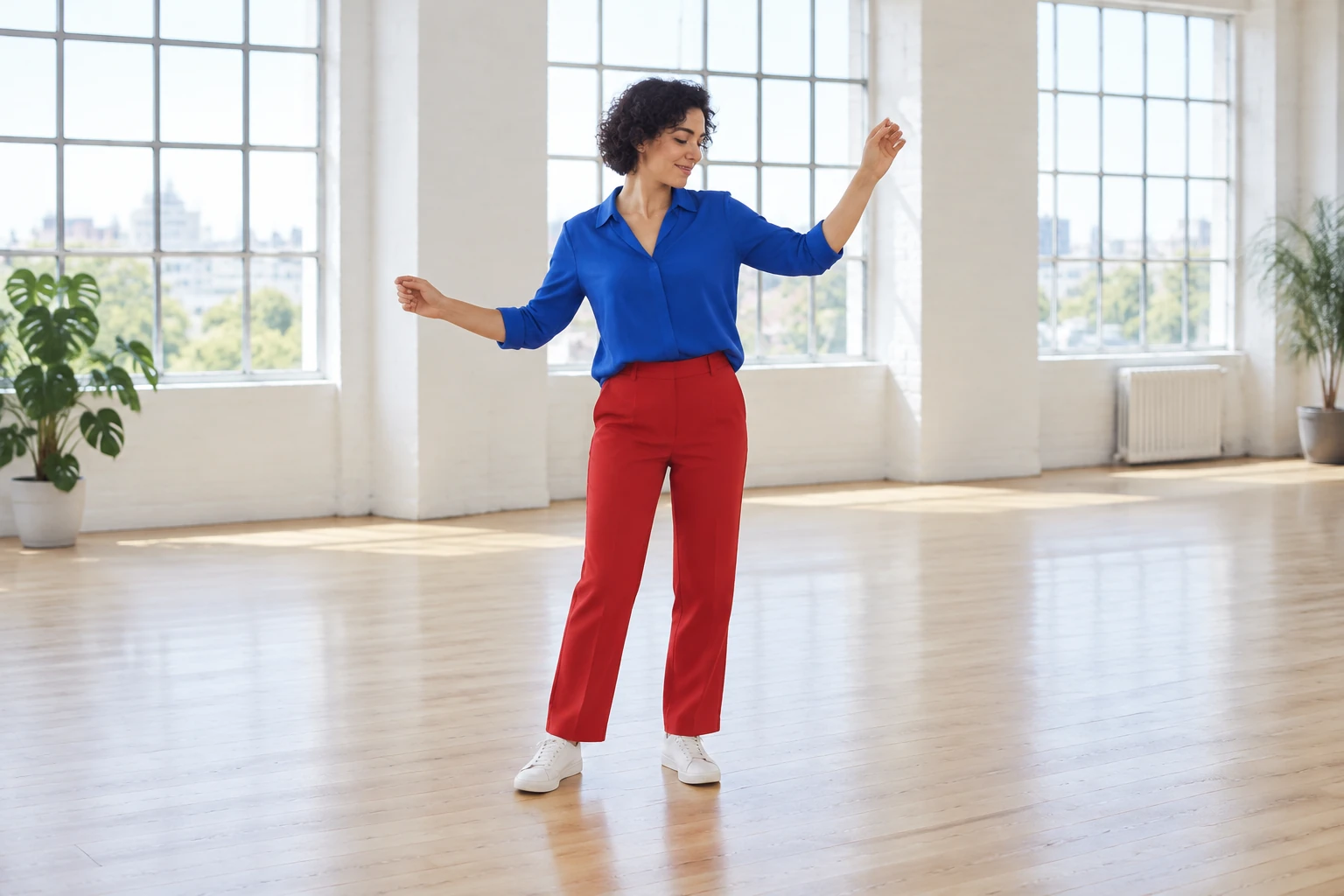
“Puerto Rican Mami Dance” is treated as a search phrase for a dance-inspired visual concept, not a claim about a trend’s popularity, cultural origin or ownership. It does not request an exact performance. The prepared direction keeps the motion small: a comfortable arm raise, gentle side sway, one restrained knee or hand gesture, and a calm standing finish. There are no jumps or demanding steps. This makes the movement easier to read while keeping attention on the full-body silhouette and how the actual outfit moves.
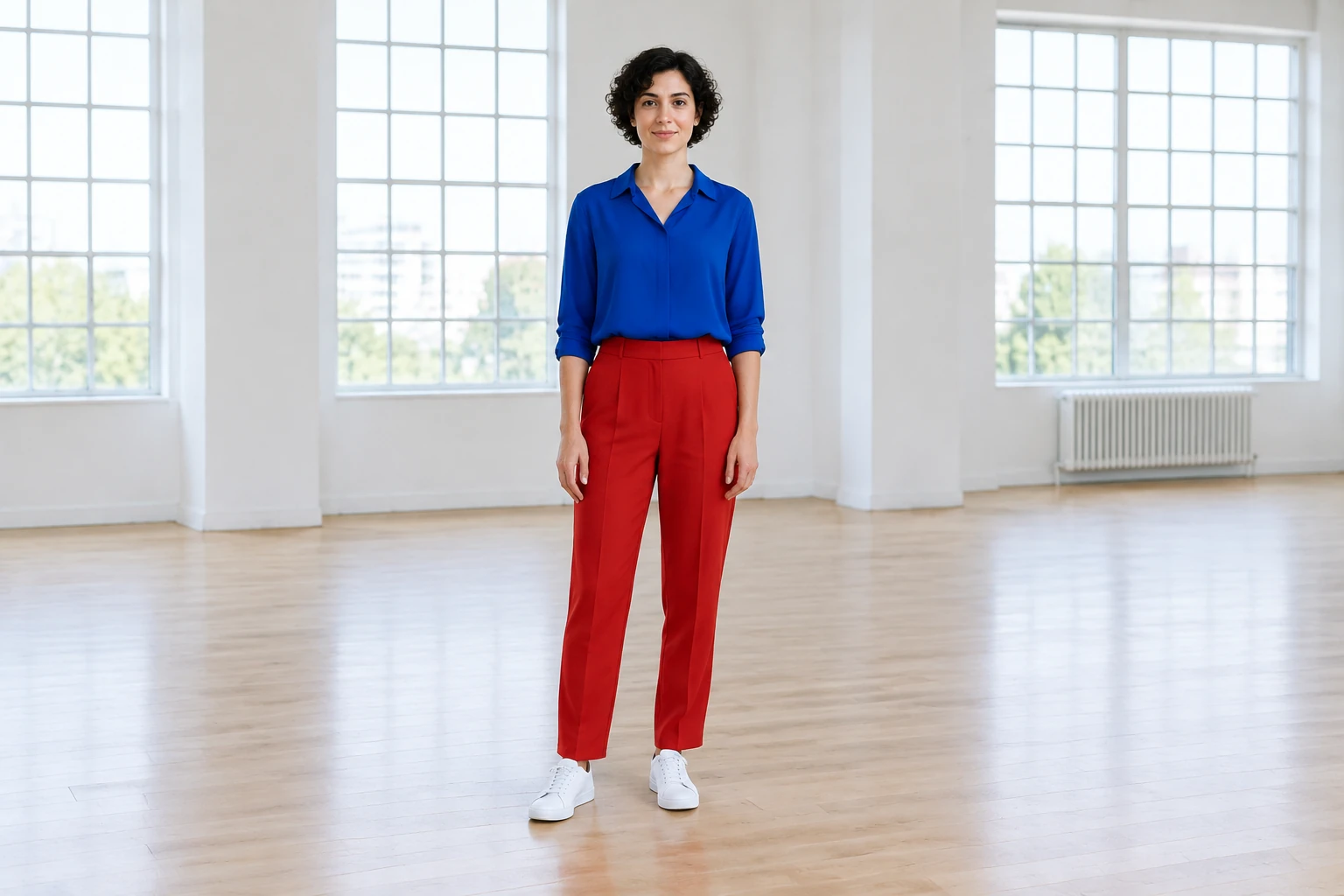
The example imagery illustrates possible composition, not required wardrobe or identity. A cobalt blouse, straight red trousers and white trainers are one visual example; a cream shirt, charcoal trousers and plain gray shoes are another. Your photo may show different clothes, people or surroundings. The direction preserves those actual details rather than imposing fictional outfits, ethnicity or a new location. A bright loft with tall square-paned windows and pale timber flooring is a separate environment study, not a request to replace the background. Optional notes can clarify a visual preference, but the prepared movement direction is already included.
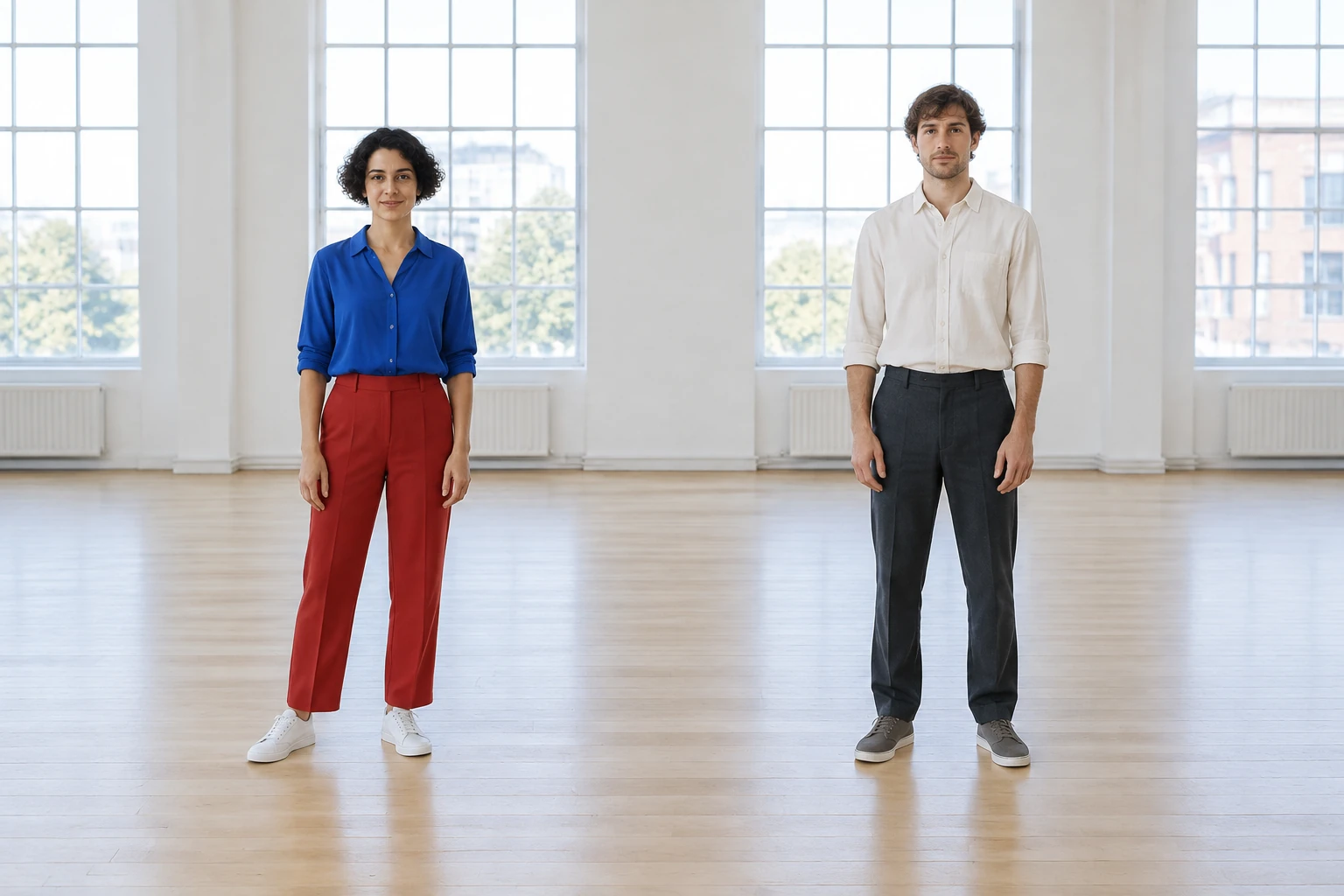
Review the face, outfit, full-body framing, hands, feet and headroom. For a photo with two adults, confirm that both remain distinct, recognizable and separated, without crossing or switching positions. Check that the movement stays modest, the clothing and setting remain visually consistent, and the ending is calm. Look for unwanted limbs, unexpected pose changes or cropping. A generated clip may not match every detail of the source photo, so inspect it before using or sharing it. Add any crop, captions or chosen music separately if desired; music is not automatically matched to the video.
The current model is paid. Check your account access and the live credit quote shown near Generate; there is no guaranteed free credit allocation, fixed price or fixed waiting time. Available aspect ratios, quality and audio options depend on the model and are presented in the controls. Use History to follow generation status and find a completed video for download. The video is a short movement study, not a full video-editing workflow: any extra trimming, captions or music selection should be done separately.
It creates an eight-second dance-inspired video from one uploaded full-body image. The image can show one adult or two adults in the same frame. It does not take a video upload or two separate photo uploads.
Yes. Upload one photo with either one adult or two adults together. For a duo, a clear gap between the people helps keep them distinct; the direction calls for modest synchronized timing without crossing or swapping positions.
The current model is paid. Review your account access and the live Required Credits quote near Generate before starting. Free credits and a fixed price are not guaranteed.
Waiting time can vary, so no fixed completion time is promised. Check History for status; a completed video can be downloaded there.
The prepared direction requests small, readable movement and aims to preserve the actual people, outfits and setting in the photo. Optional short visual notes can guide style, but they do not guarantee exact appearance or choreography. The request is not for an exact performance.
Open the completed item in History and use its download option. If you want a different crop, captions or music, add those separately; automatic music matching, lip-sync and video editing are not included.
Explore another short-form AI video concept built around a supplied image.
See a separate image-to-video idea with a different visual focus.
Browse another concise video concept for a distinctive scene.
Explore an image tool for removing a product photo’s background.
bulkbgremover.com · Updated