Product Background Remover
Explore the separate tool for product-background work; a cutout or transparent export is not the same as changing a wall in an image edit.


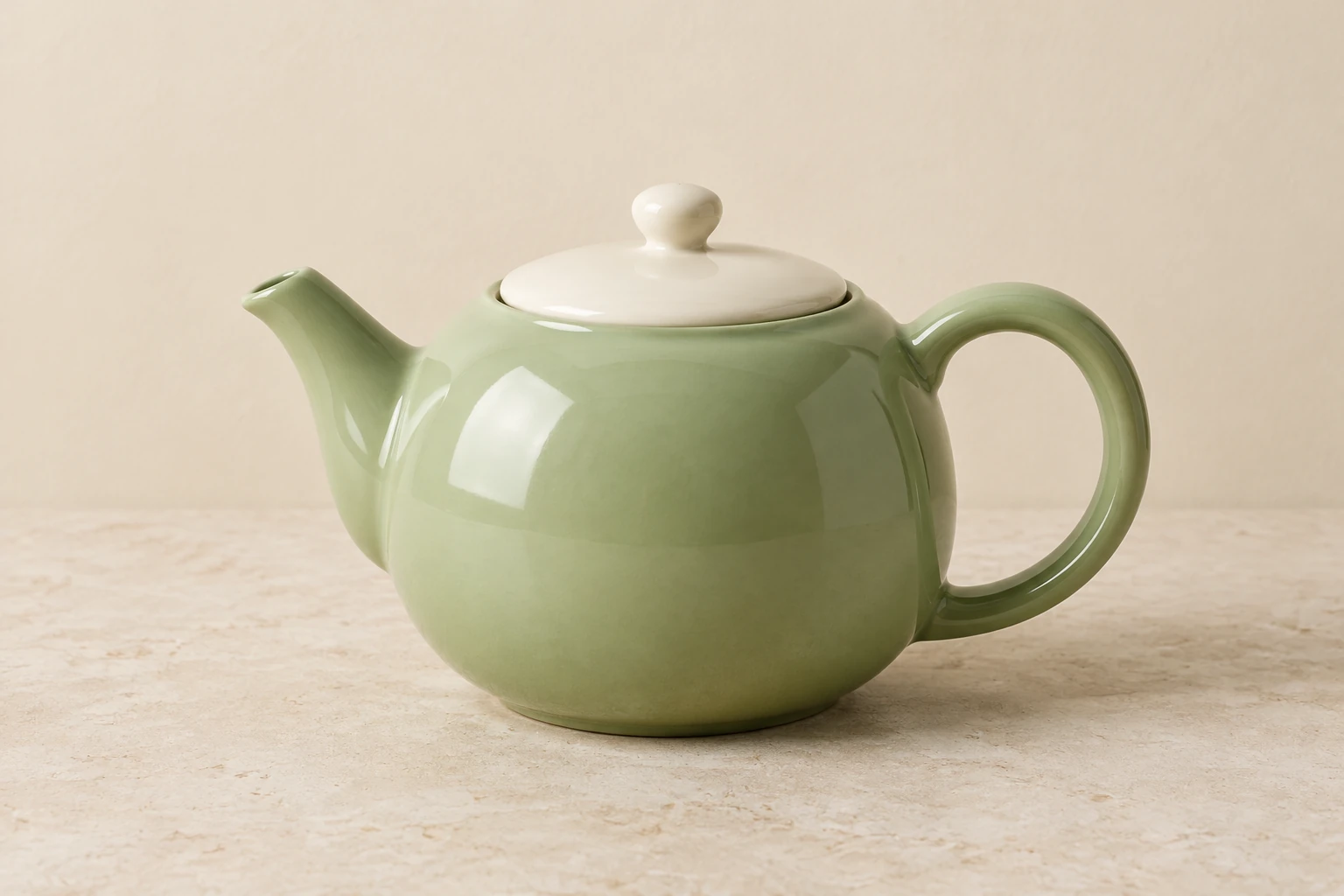
Use Seedream 5.5 to compose a clean product still from words or change the wall behind an object in one supplied photo. The pistachio teapot example focuses on handle geometry, spout alignment and ceramic reflections. Start with an editable prompt, check the live quote, and review the ready image before using it.
Text to Image has an editable prompt and requires zero uploads. Use it to create the original teapot still from the prompt below. Image to Image takes one supplied reference and an editable prompt; use it for a focused change to that actual image.
For a new still, name the subject, setting, view, and light, and say which details must be visible. For an edit, prepare one clear reference, request one specific change, and state what must remain. The edit prompt below applies to any supplied subject or scene, not just the teapot example.
The enabled display name in the catalog is Seedream 5.5. Model, aspect, and resolution settings determine the live Required Credits. This model has no free-eligible account access here, so check paid eligibility and the current quote before selecting Generate. The native model menu may expose other choices; this guide focuses on Seedream 5.5.
History shows generation status and ready images. When an image is ready, inspect the overall composition, edges, proportions, materials, and light. For the teapot still, check the full handle, spout alignment, and ceramic reflections; also look for unwanted text. Use the image only after it meets your practical needs.
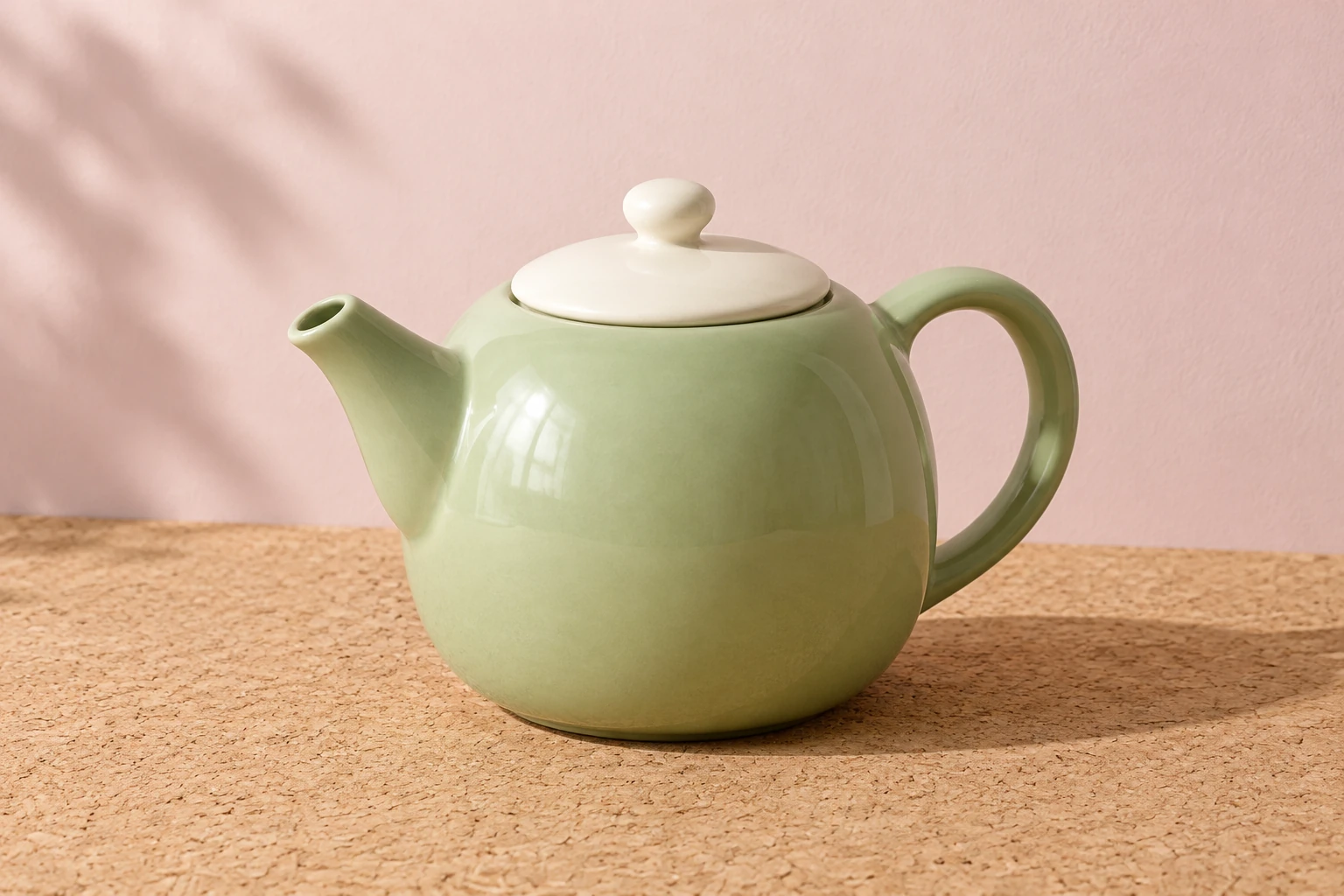
A useful product prompt makes the subject and viewing task explicit. In the example, a rounded pistachio-green ceramic teapot sits on pale limestone against a warm cream wall. Keeping the full handle and spout visible makes their geometry easier to inspect, while soft contact shadows anchor the object and controlled highlights show its glossy material. The alternate concept uses a different three-quarter arrangement on light cork against a pale rose wall with soft side light. Choose the direction that gives the handle, spout and lid enough visual separation.
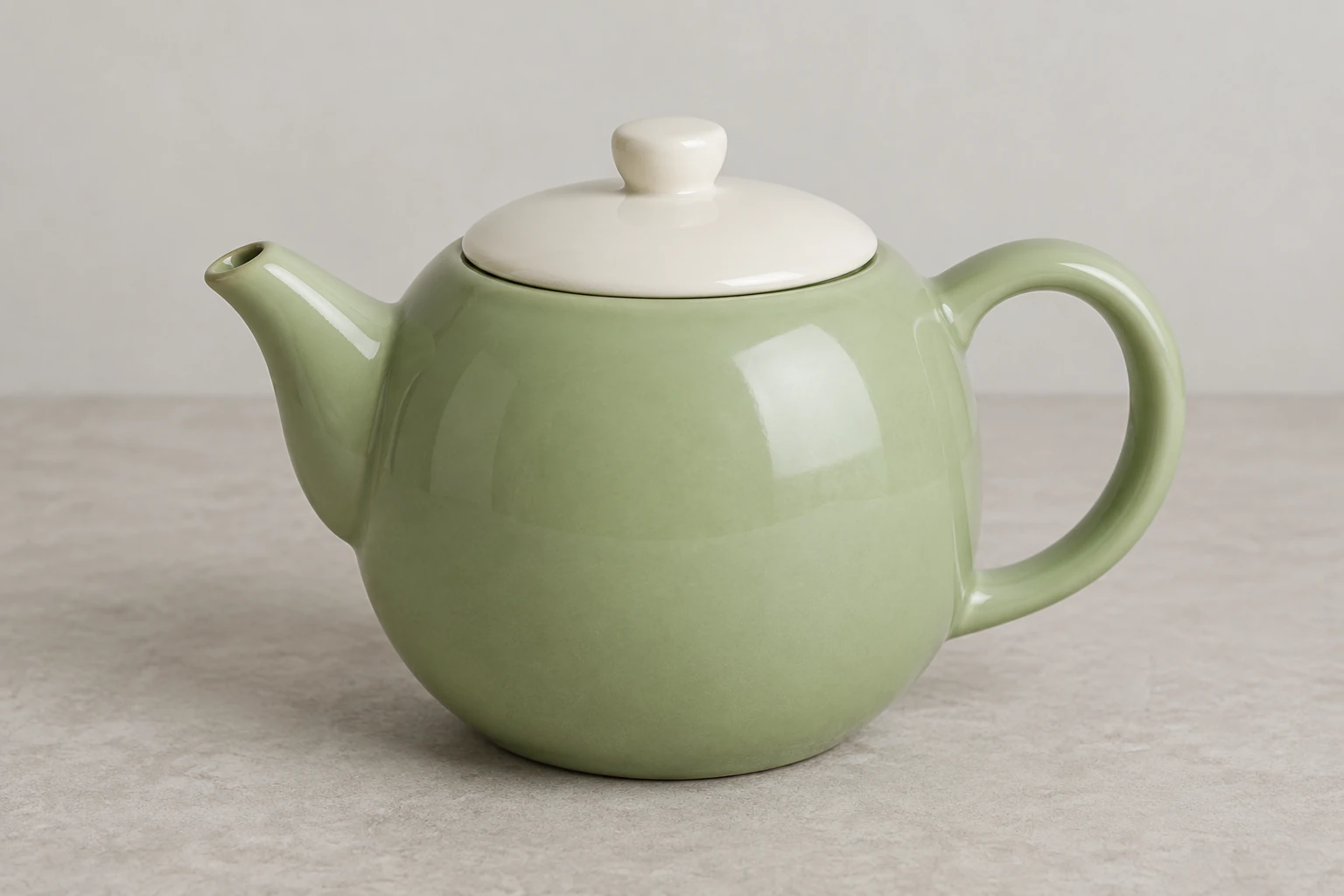
Start with one clear, actual reference image of the object or scene you want to keep. In the editable prompt, specify the requested change—in this guide, changing only the wall to pale rose—and explicitly preserve the reference's own subject, shape, material, position, layout, colors, camera, and lighting. Do not describe a replacement object. After generation, check the wall boundary and confirm that the rest of the scene still matches your intended reference. Background changes are distinct from the site's cutout and transparent-export tools.
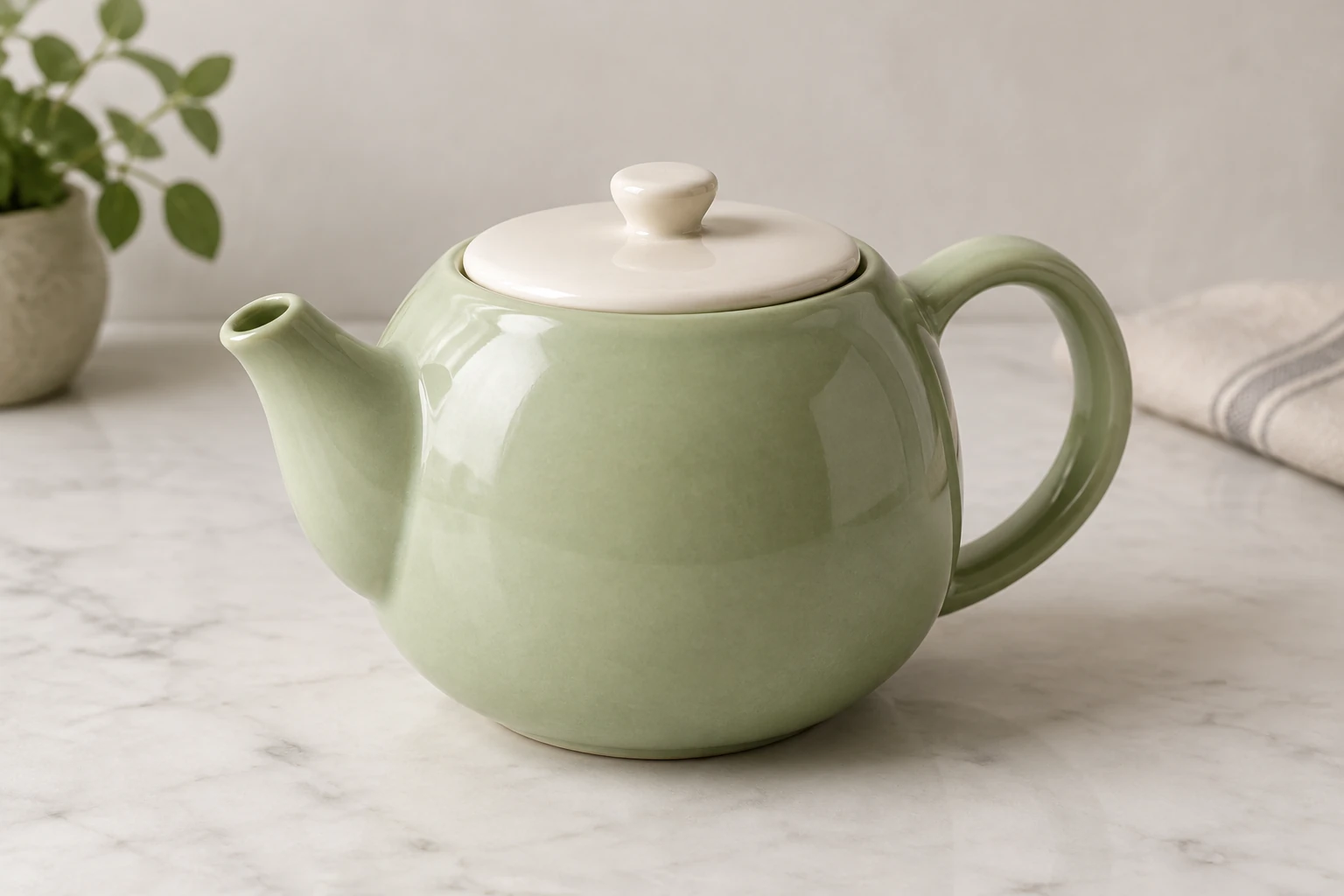
Review the whole composition first, then examine visible edges and proportions. For a ceramic product still, look at the handle opening, where the spout points, the lid, reflections, and contact shadows. For a background edit, check that the new wall is limited to the requested area and that the reference's own object and arrangement remain intact. Check for unwanted text or marks before using a ready image; if something is wrong, refine the prompt or reference and review the next ready image.
This guide covers the still-image interface: Text to Image uses zero uploads, while Image to Image uses one supplied reference. The catalog's enabled display name is Seedream 5.5, and other models may appear in the native menu. Settings determine the live Required Credits; no fixed cost or free allowance is stated here. Confirm paid eligibility and the current quote before Generate. History provides status and ready images, but no exact wait time is promised.
It is the enabled model featured here for creating or editing still images. Use Text to Image for a new composition or Image to Image to work from one supplied reference and an editable prompt.
Text to Image requires zero uploads. Image to Image uses one supplied reference; write an editable prompt describing the requested change and what should remain.
This model has no free-eligible account access here. Check paid eligibility and the live Required Credits quote before Generate. The current settings, including model, aspect, and resolution, determine that quote; there is no fixed cost stated in this guide.
No exact wait time is promised. History shows status and ready images, so check it to see whether the generation is ready.
Use one clear actual image of the subject or scene you want to retain. Request one specific change, such as changing only the wall to pale rose, and state that the reference's own subject, layout, colors, materials, position, camera, and lighting must remain.
Review the composition and edges, then check proportions, materials, light, and any unwanted text. For the teapot example, inspect the full handle, spout alignment, and ceramic reflections. For an edit, confirm the change stayed within the requested area and the reference's own subject remains.
Explore the separate tool for product-background work; a cutout or transparent export is not the same as changing a wall in an image edit.
Find the site's image-resizing tool for preparing image dimensions.
Check current plans and account options before using paid image-generation credits.
bulkbgremover.com · Updated