
Unforgettable Car Trend
Explore another themed AI video guide.


Loading history…
A fireworks video effect can make a greeting feel celebratory without crowding the person in frame. This guide shows how to shape a calm outdoor scene: one adult man with wavy dark hair, wearing a sage jacket, at an uncluttered garden terrace with low hedges and open sky. Soft gold and emerald fireworks rise and bloom behind him, leaving the subject distinct from the sky. Use the existing Seedance 2.5 form with text or a single photo, then review the finished clip before deciding whether to revise the prompt.
For Image to Video, upload one photo with a readable subject and some open sky. Keep the person distinct from the background where possible. Text to Video starts from an editable prompt instead and does not require an uploaded file.
Describe the setting, the restrained greeting and the fireworks’ position. Ask for trails to rise behind the subject, a few expanding bursts and a quiet fade. Keep the camera and subject nearly still so the scene stays uncluttered.
Use the duration, resolution, ratio and audio options currently offered in the form. The quote appears beside Generate; review it before submitting. Completed and pending tasks appear in History.
Play the whole clip and check the face, hands, exposure, burst timing, sound and crop. If something needs adjustment, change one prompt variable at a time, then generate and review again.
This fireworks video effect is built around separation, not spectacle. The garden-terrace example pairs a sage jacket and wavy dark hair with low hedges and open sky. The person remains the focus; sparse gold and emerald fireworks provide a brief celebration behind him. A simple composition also makes it easier to notice whether a burst crosses the face, hands or important parts of the frame.
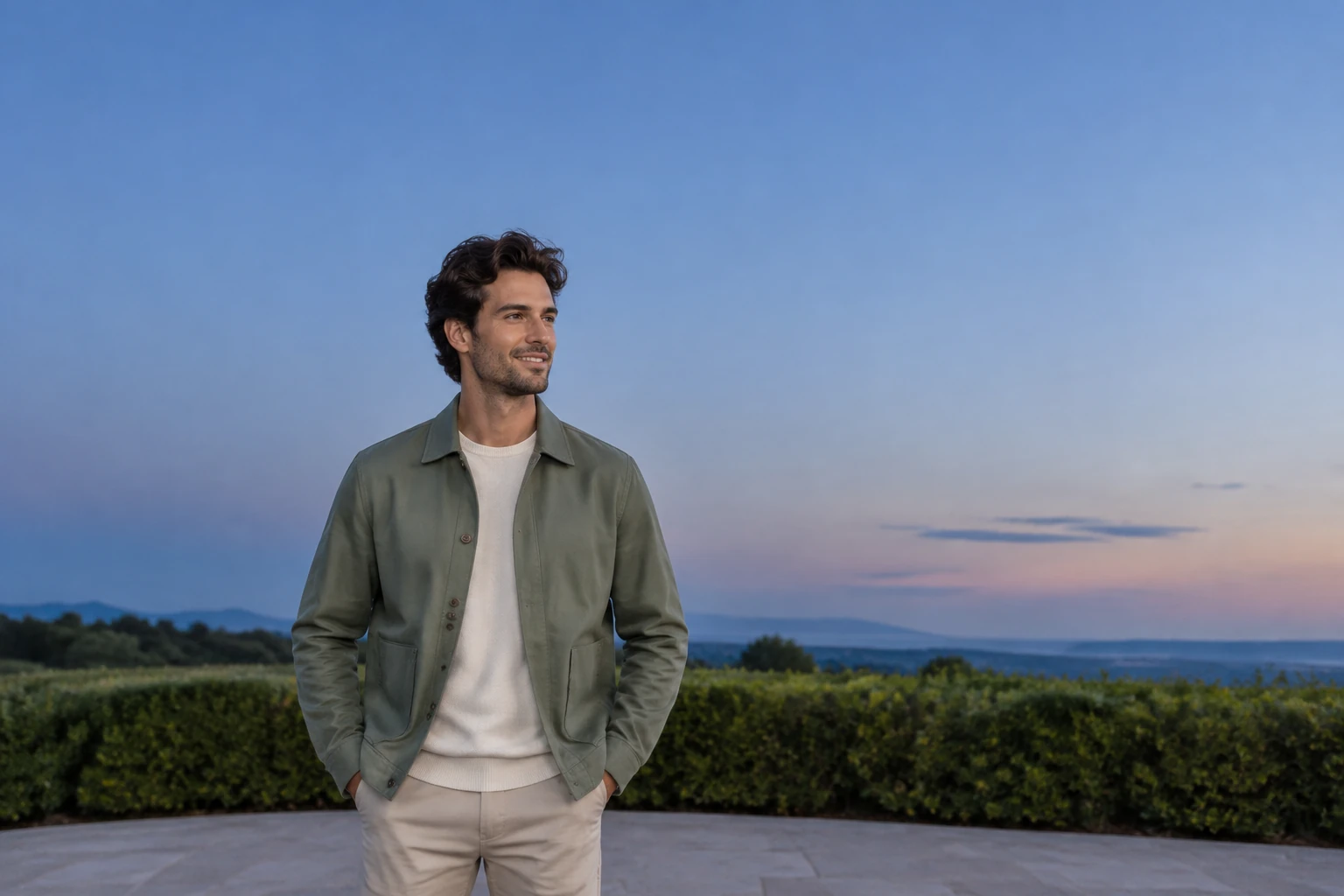
Seedance 2.5 offers Text to Video with an editable prompt and no uploaded file, or Image to Video with one uploaded photo and an editable prompt. The themed prompt defaults on this page help describe the scene; they do not add a new preset, layer editor, mask or timeline. They also do not add an existing-video upload option. For photo animation, describe how to adapt the image you actually upload rather than asking the model to substitute the example man or setting.

Ask for a continuous, steady shot, natural face and hand motion, a readable face throughout, subtle reflected light and sparse fireworks that rise, burst and fade. Avoid piling on camera moves or dense effects. Once the task appears in History, review the entire result—not just a striking frame. Look for changes in the face or hands, exposure shifts, bursts that arrive too early or obscure the subject, unwanted sound and a crop that cuts off important details.
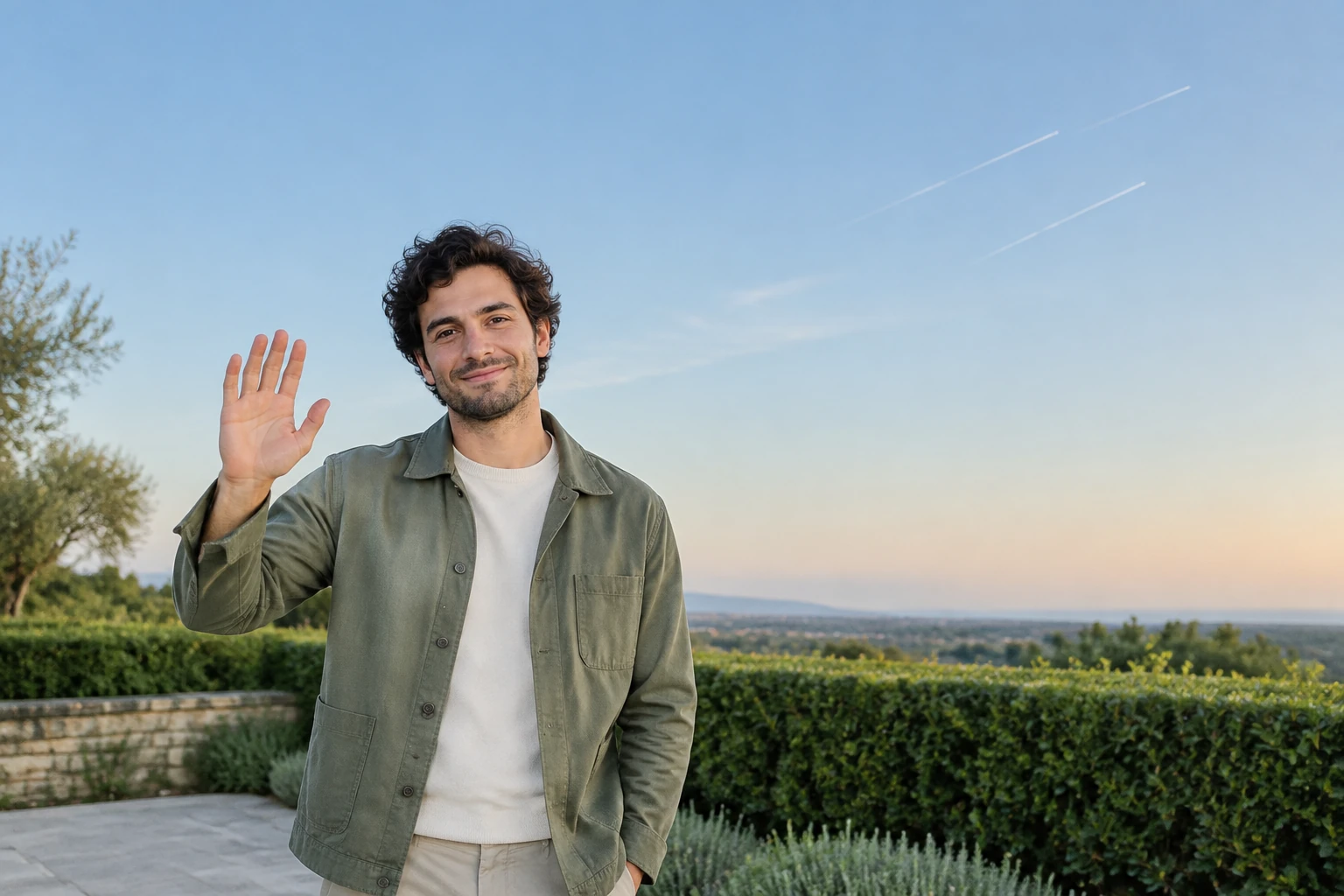
If the review reveals an issue, revise one variable—such as burst placement, camera steadiness or the fade—and leave the rest of the prompt stable. Results and waiting times can vary, so check pending and completed tasks in History rather than assuming a fixed turnaround. The prompt guides a generation; it does not guarantee an exact identity match or a particular motion. Use the filmed fireworks excerpt to study changing burst shapes and framing.
It helps you prompt a restrained greeting scene with fireworks in the background, keeping the person visually separate from the sky. The page supplies themed prompt defaults for the existing Seedance 2.5 form; it does not add a separate editing tool.
Text to Video uses an editable prompt and no uploaded file. Image to Video uses one uploaded photo and an editable prompt that should describe how to adapt that actual image.
Eligibility for any free credits depends on the account and current terms, so check what applies to you rather than assuming credits are available. The current quote appears beside Generate; review it there before submitting.
Wait times can vary, so there is no fixed completion time to rely on. Completed and pending tasks appear in History.
A prompt can ask for a readable face and faithful adaptation, but it cannot guarantee identity or perfect consistency. Play the whole clip and check the face, hands, exposure, burst timing, sound and crop.
Check the available controls for your completed task for download options. Add or change actual names and music elsewhere if needed; this guide does not provide a name or music editor.
bulkbgremover.com · Updated