Unforgettable Car Trend
Explore another character-and-motion video idea.


Make a Missed Train Dance story with one character image and a dance reference video you choose. Begin with a clear full-body setup, check the displayed quote, and review the result for foot placement, floor contact and a readable final pose.
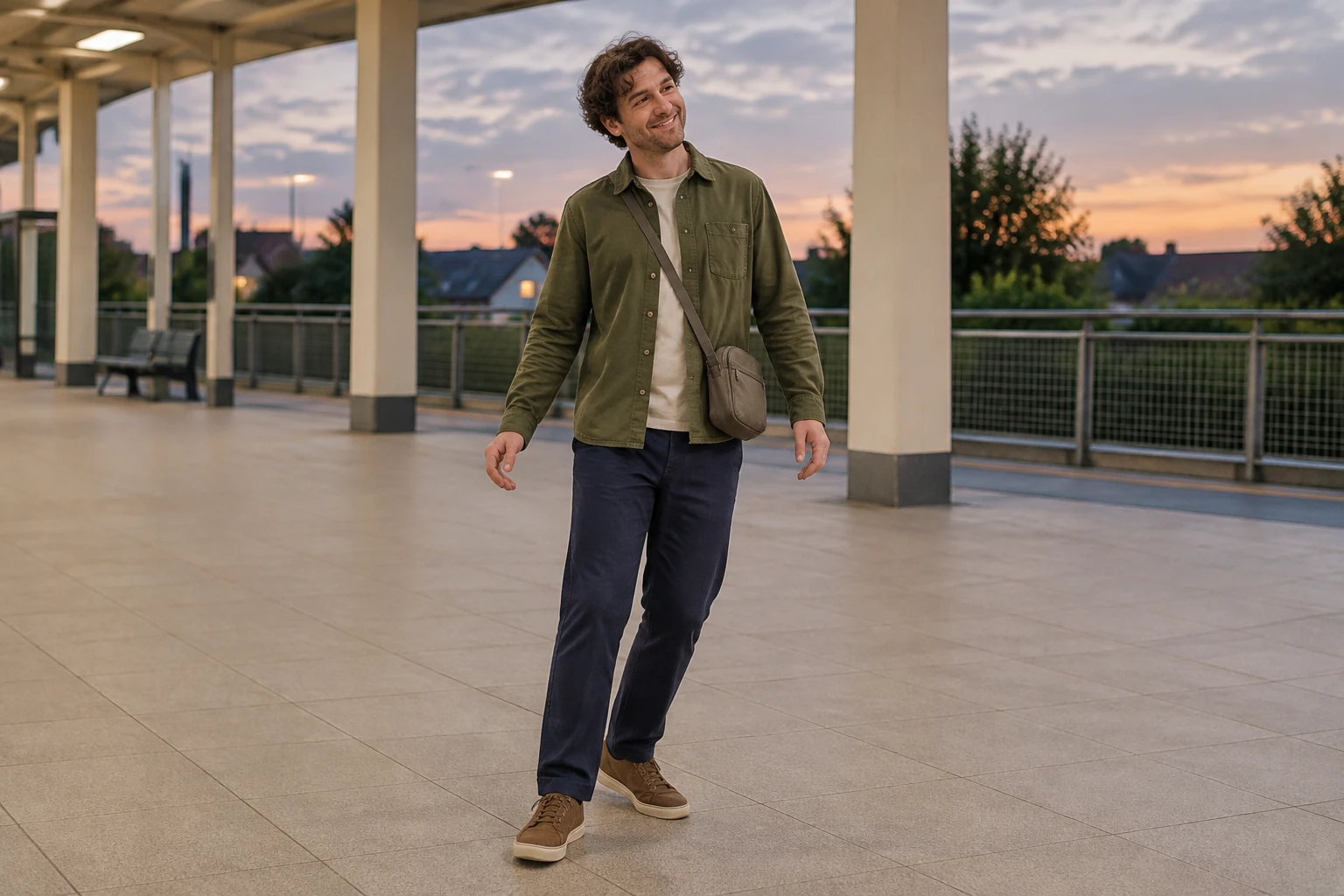
Upload one clear image of the person you want in the dance. A full-body photograph makes the outfit, both shoes and floor space easier to assess. The olive-overshirt traveler is this guide’s example; the prompt should preserve the actual person and clothing in your chosen image.
Add one user-uploaded MP4 or MOV, from 3 to 30 seconds and no larger than 32 MB. Pick a readable, continuous routine with one person visible from head to feet, including the feet during steps. Avoid rapid cuts; choose a clip whose camera orientation suits the movement. If station context matters to the motion, select a reference filmed in a similar setting.
Use the editable prompt to describe the station story and the framing you want. The uploaded video guides movement order and camera orientation; the character image and prompt provide creative direction. They do not guarantee exact choreography, identity or background replication. Review the upload control and the quote beside Generate before starting. The server reads the uploaded file’s actual duration and bills its rounded duration according to the selected model and quality.
Check that the currently enabled motion model is available to your account, that you have purchased credits or sufficient account balance, and that the displayed quote is acceptable. After generating, follow task status in History; wait time varies. Watch the complete result, paying attention to appearance, movement order, feet, floor contact, framing and the final pose.
Missed Train Dance here means a short, character-led station story made from a character image and a dance clip you select. The image supplies the person; the reference video guides the movement sequence and camera orientation. The prompt can establish a missed-departure context, a quiet waiting area and a calm ending, but it is direction, not a guarantee that the output will reproduce a particular person, routine or station background exactly. Keep the scene simple: cream columns, a low pedestrian barrier and a broad tiled floor at dusk. Leave enough visible floor around the traveler to inspect each step and the ending. A small movement—a step and shoulder move—can suit the story without obscuring the feet. Keep the bag or case still and leave the person fully in frame. Review the output rather than assuming every visual detail or transition will match the prompt.
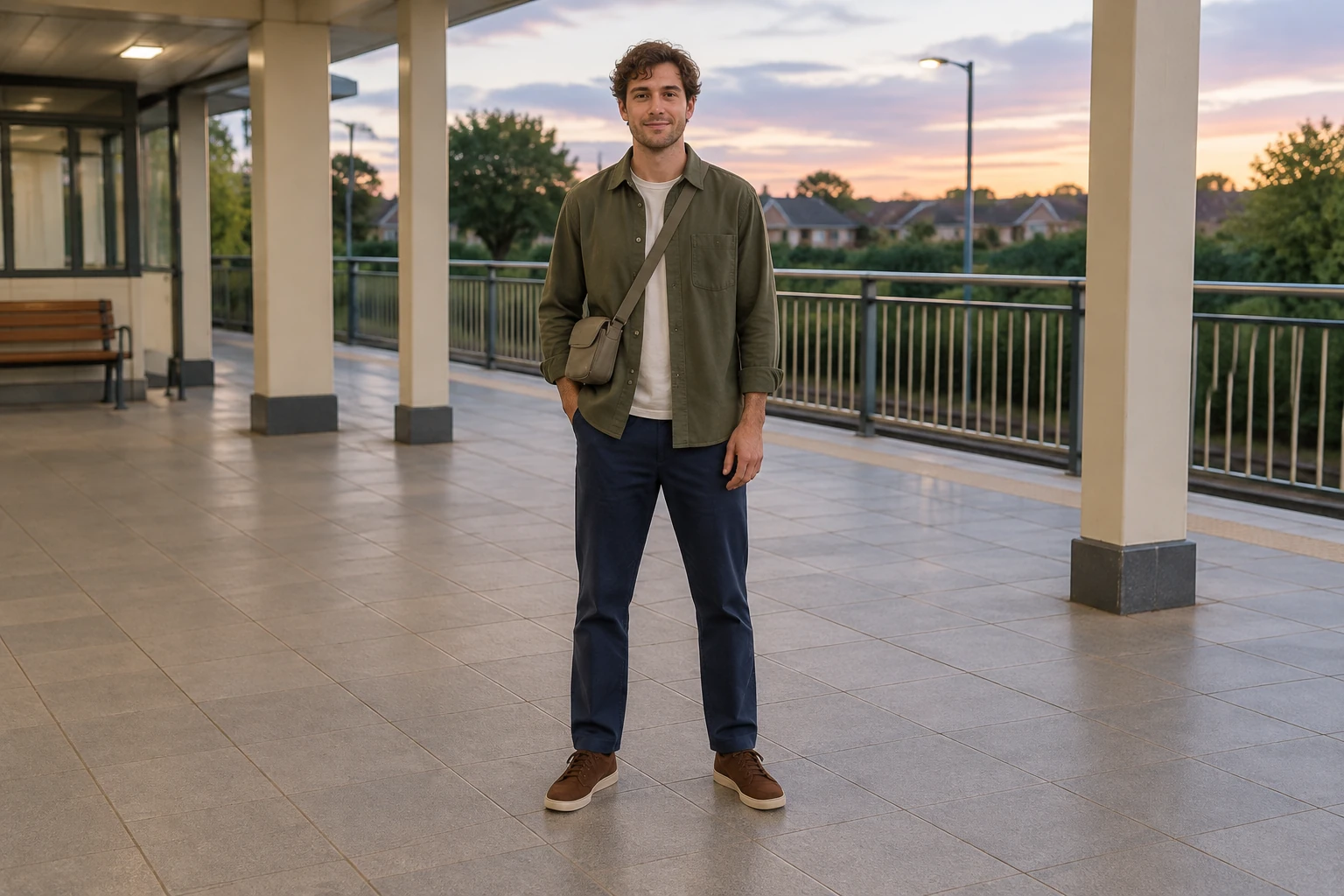
The reference clip is the movement guide, so choose one continuous, readable one-person routine. Look for a visible face and body, unobstructed feet, and a camera angle that shows the action in order. Rapid edits can make the sequence harder to assess. When the station setting is important, a reference with relevant surroundings can help communicate the desired context, but it does not guarantee that the resulting background will match. Use a character image that clearly shows the person and the outfit you want to review. In this example, the olive overshirt, navy trousers, brown trainers and small neutral shoulder bag give you specific details to check. The prompt can ask for a full-body frame, visible floor contact and a readable finish. Compare the result with both inputs: check whether the person’s appearance and outfit remain consistent, and whether the movement is legible from start to finish.
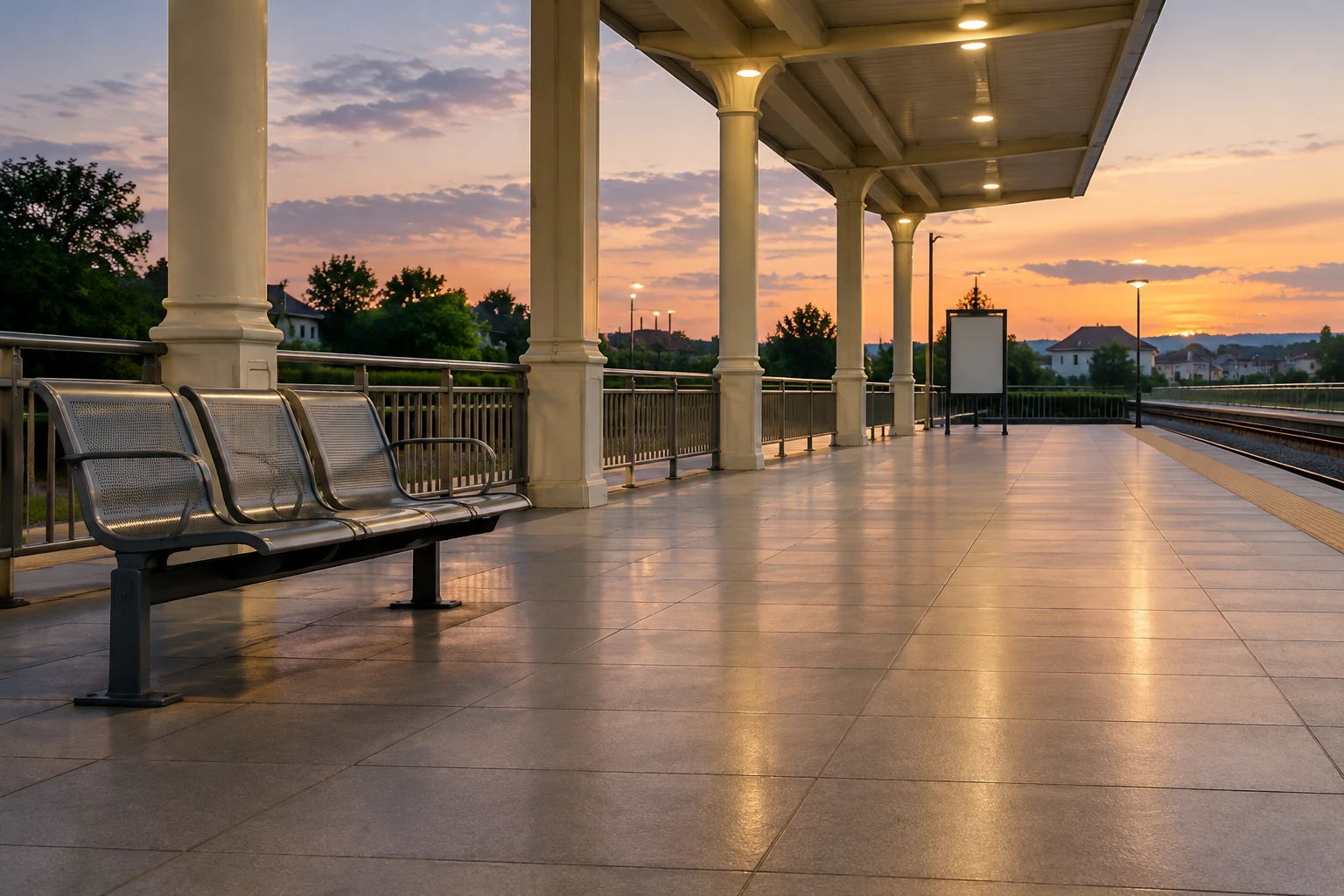
This workflow uses exactly one character image and one user-uploaded MP4 or MOV dance reference. It is not text-to-video and does not bundle a dance routine, music, a preset, identity lock, text editor or replacement timeline. The available controls are the editable starting prompt, the currently enabled motion model, output-quality options, the quote beside Generate and task status in History. There is no separate motion-strength slider or train-animation control. The upload must be 3–30 seconds and up to 32 MB. The server reads the file’s actual duration and bills the rounded duration according to the selected model and quality. Check the upload control and the live quote for your specific selection rather than relying on a fixed price. The motion model is currently a paid option: check paid-model access, purchased credits or account balance, and the displayed quote before you generate. Do not assume free credits are available.
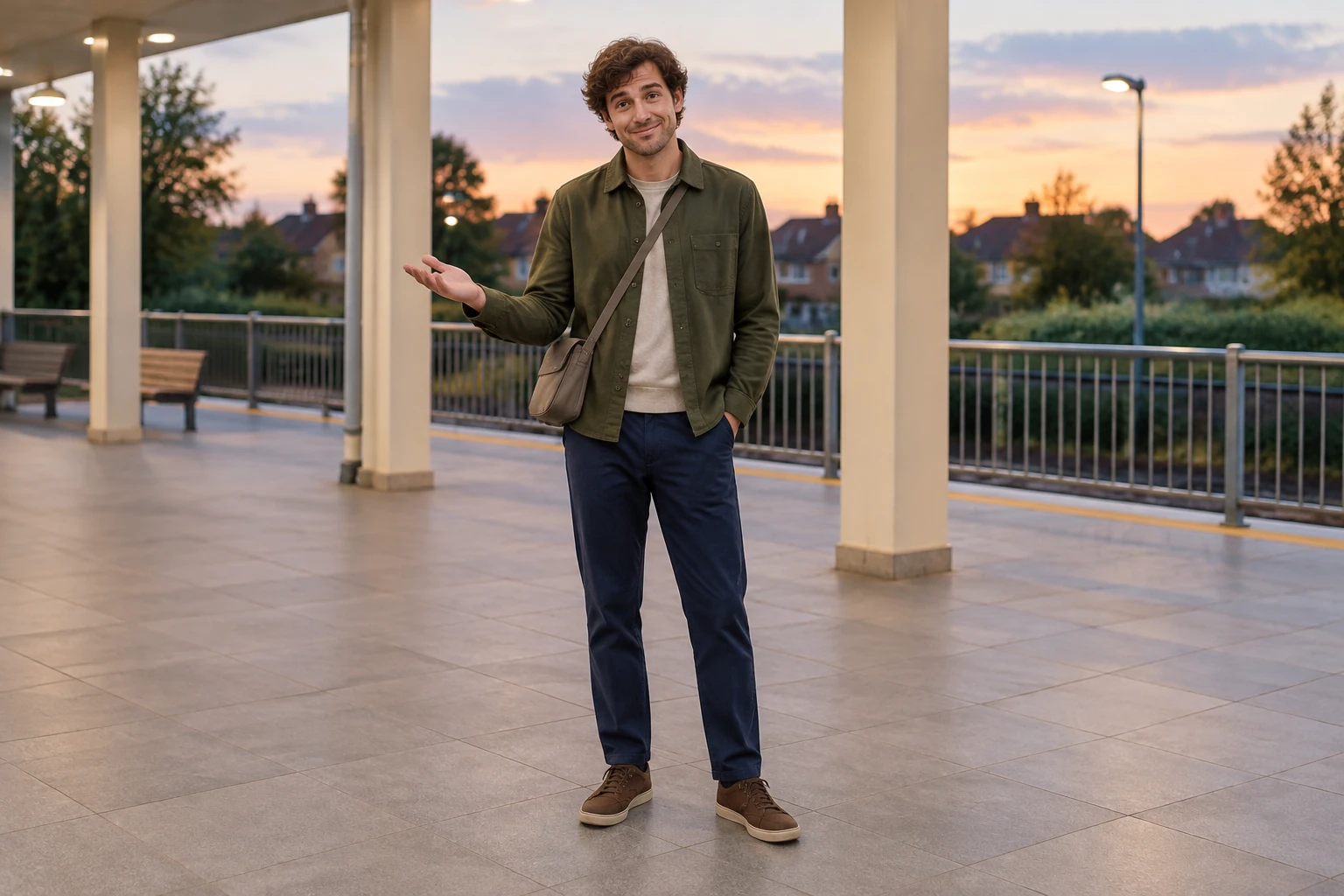
Use History to follow the task status; there is no fixed wait time. When the result is ready, watch the entire clip, not just a preview frame. Check that the full body stays visible, the feet meet the floor naturally, the action follows a readable order, and the ending has room to register. Also compare the person and outfit with the character image and note any differences in the station setting or choreography. If you need a particular crop, soundtrack or finishing edit, handle it elsewhere after reviewing the result. The workflow does not promise an automatic missed-train transition, include music, or provide a replacement timeline. Treat the prompt as creative direction and make decisions from the complete generated clip.
It is a short station-dance story built from exactly one character image and one user-uploaded dance reference video. The image supplies the person, while the video guides movement order and camera orientation. You can use an editable prompt to describe the station context and framing.
The current upload accepts MP4 or MOV files from 3 to 30 seconds and up to 32 MB. Check the upload control before submitting your file.
The motion model is currently a paid option. Check that your account has access to the paid model, review your purchased credits or account balance, and confirm the live quote beside Generate. Billing uses the rounded duration read from the uploaded video and depends on the selected model and quality, so there is no fixed price or free-credit promise.
There is no fixed wait time. Check the task status in History for progress.
The character image and prompt provide creative direction, and the uploaded dance video guides the movement sequence and camera orientation. Exact appearance, choreography and background replication are not guaranteed. Review the whole clip for likeness, outfit, movement order, feet, floor contact and the final pose.
Check the completed video in History and download it using the result controls. Keep both feet in your final crop, and add a caption or soundtrack in your usual editor.
bulkbgremover.com · Updated