
Unforgettable Car Trend
Explore another portrait-led AI video idea.


Loading history…
First Time In A Fancy Cafe AI turns one adult portrait into a small visual misunderstanding: the main customer sits on a low table, notices a cup placed at its far end, and moves to the real chair. The useful check is whether the furniture and cup read clearly enough to explain the joke without dialogue.
Upload one portrait of the adult who should play the main customer. Choose an image where the face, hair and outfit are easy to see. The cafe replaces the portrait's original background. Do not use a group photo: the second customer is requested in the scene, not supplied through another upload.
Request Seedance 2.0 and an eight-second clip, then check what your current account and model offer for aspect ratio, resolution and audio. Access and options can vary. Read the live Required Credits quote before selecting Generate; the requested duration is not a guarantee of the finished timing.
The prepared scene instructions are already included, so you can leave optional scene or style notes empty. If you add a note, keep it compatible with the action: a low rectangular table, a separate chair and a cup placed away from the seated customer. Submit the request after checking the quote.
Check History and the request status, then open the result when it is ready. Review the main person's face and outfit, the table and chair shapes, the separate generated customer, the cup placement, the subtle reaction and the safe move to the chair. Download only after deciding the result works for you.
The table is the setup and the chair is the correction. In the First Time In A Fancy Cafe AI scene, look for a low rectangular plinth with a continuous top and a separate chair that remains recognizable as seating. If the chair merges with the table or the table changes shape, the customer's mistake may look accidental rather than understandable. A medium-wide view helps keep both objects visible during the move.

The second adult gently places a plain cup on the far end of the same surface where the main customer is sitting. That separation gives the cup room to read as a table setting, rather than something balanced beside the person. Check that the customer notices it and gives a small double take before moving. The intended comedy is a quiet realization, not a fall, spill or public embarrassment.
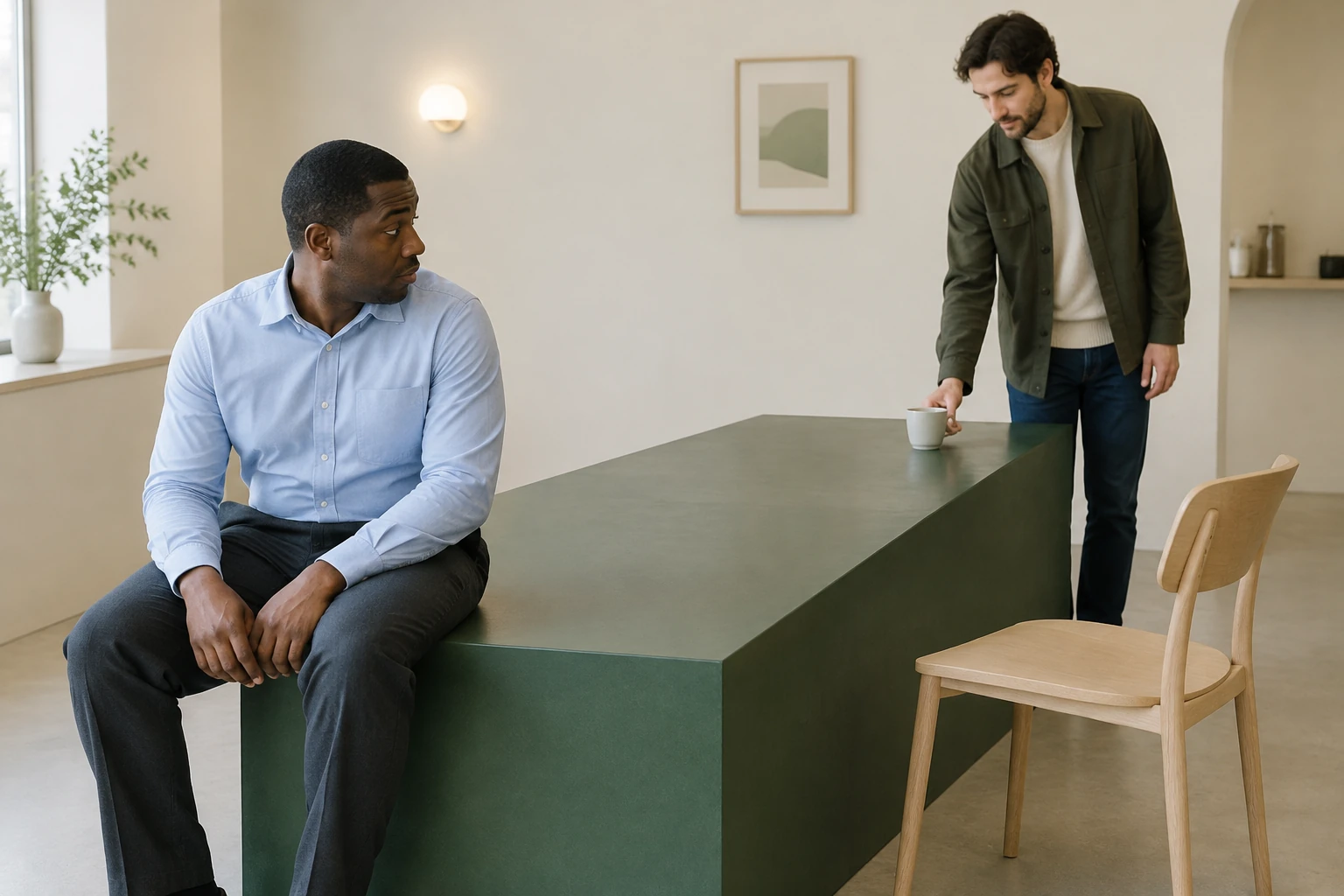
The uploaded portrait supplies the main person's face, hair and outfit; the imaginary cafe replaces its original background. Choose a clear image of one adult rather than a group photo or a user video. The other customer is a fictional background participant requested in the written scene. There is no second identity upload or promise that this generated person will match someone specific.
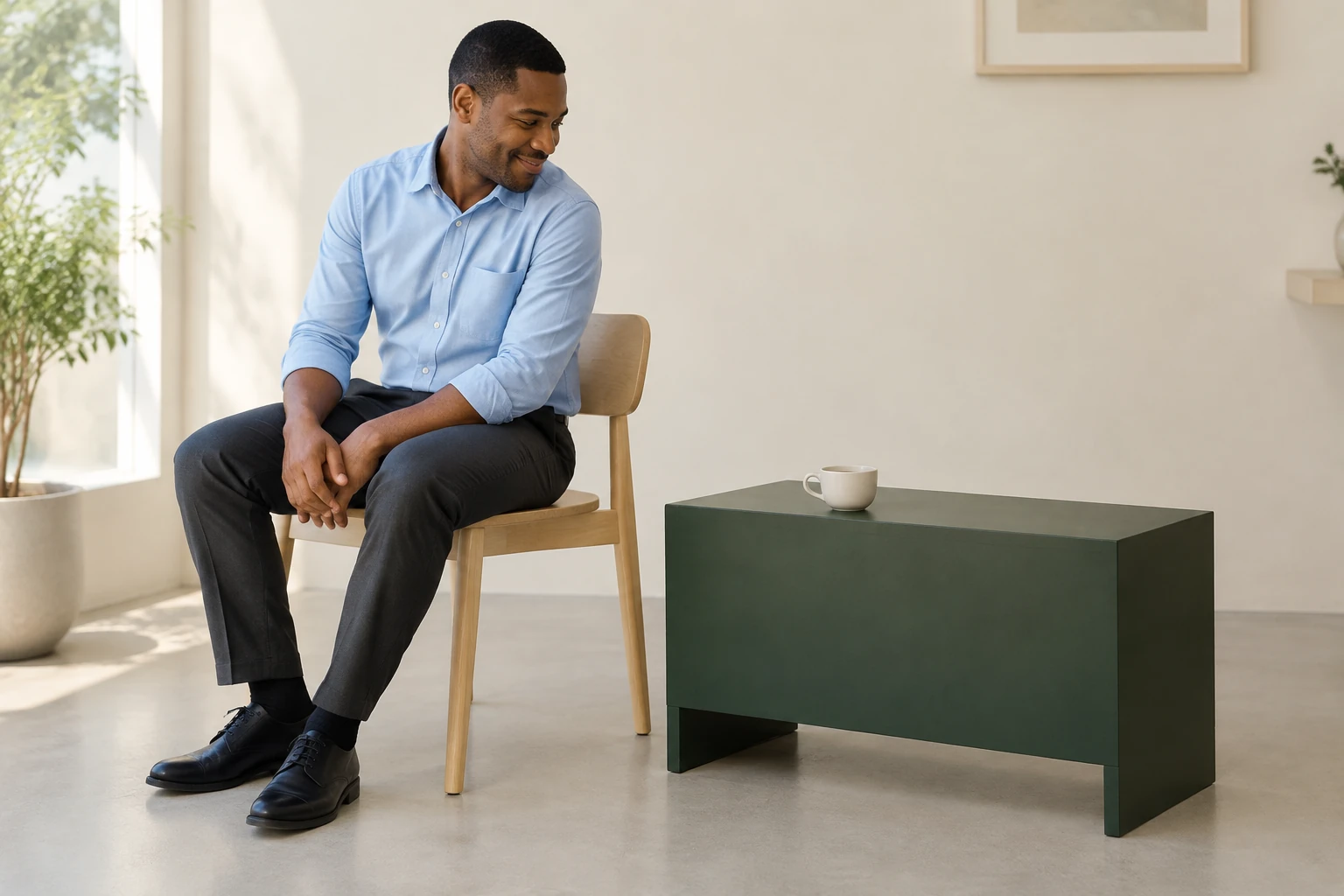
Prepared instructions are already part of the page workflow, and optional notes can be left blank. The requested model and duration are Seedance 2.0 and eight seconds, but available settings, eligibility and Required Credits depend on the current model and account. Use the cafe observation to study the separation between a table and its chairs. There is no reference-video or motion-control upload in this workflow.
It is a portrait-led visual misunderstanding. The main customer sits on a low table, a second adult places a cup at the far end, and the customer realizes the mistake and moves to a separate chair. Dialogue is not needed.
No. Upload one clear portrait of one adult for the main customer. The second adult is requested as a separate fictional person in the scene, not as a second uploaded or identity-matched person.
No filming or user video is needed. The page already includes prepared scene instructions, and optional scene or style notes can be empty. The cafe is an imagined replacement for the portrait's background.
The request is for Seedance 2.0 and eight seconds, but the finished duration and access are not guaranteed. Eligibility, available settings and Required Credits depend on the current model and account. Check the live quote before Generate.
Use History to check the request and its current status. Open the result when it is ready; the page does not promise a particular wait. Review it before downloading.
Check the main face and outfit, distinct furniture, separate second adult, readable cup placement and safe move to the chair. Review any available audio settings and the finished result as well; audio options depend on the current model and account. Share only after you are satisfied with the clip.
bulkbgremover.com · Updated