

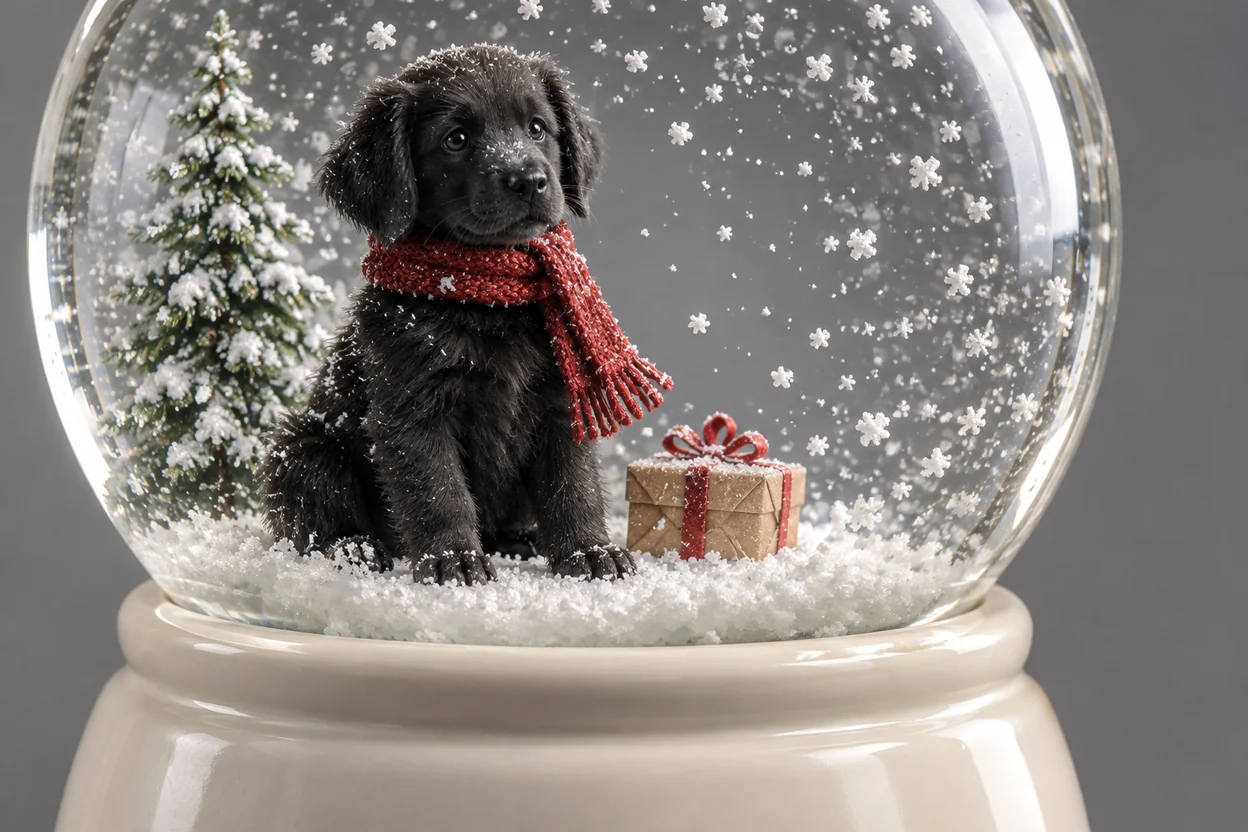
AI Christmas Snow Globe Generator for a winter pet portrait
Place a subject inside a snow globe
History
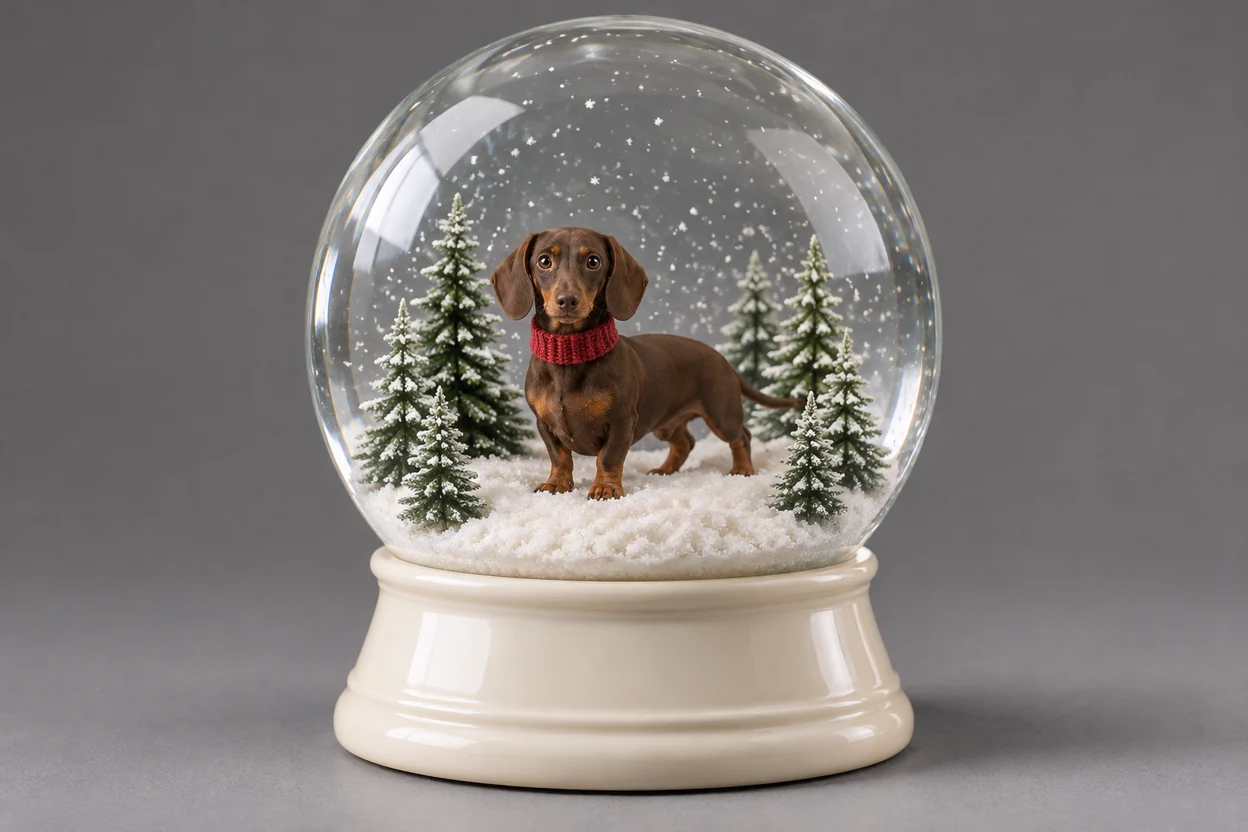
The AI Christmas Snow Globe Generator places one portrait or character image inside a glass holiday snow globe using Nano Banana 2 edit mode. Start with a clear reference, keep snow and glare away from the face, and check the displayed credits before you begin. For a freshly imagined winter miniature, choose the separate text-to-image mode instead; it needs no upload.
Make a snow globe image
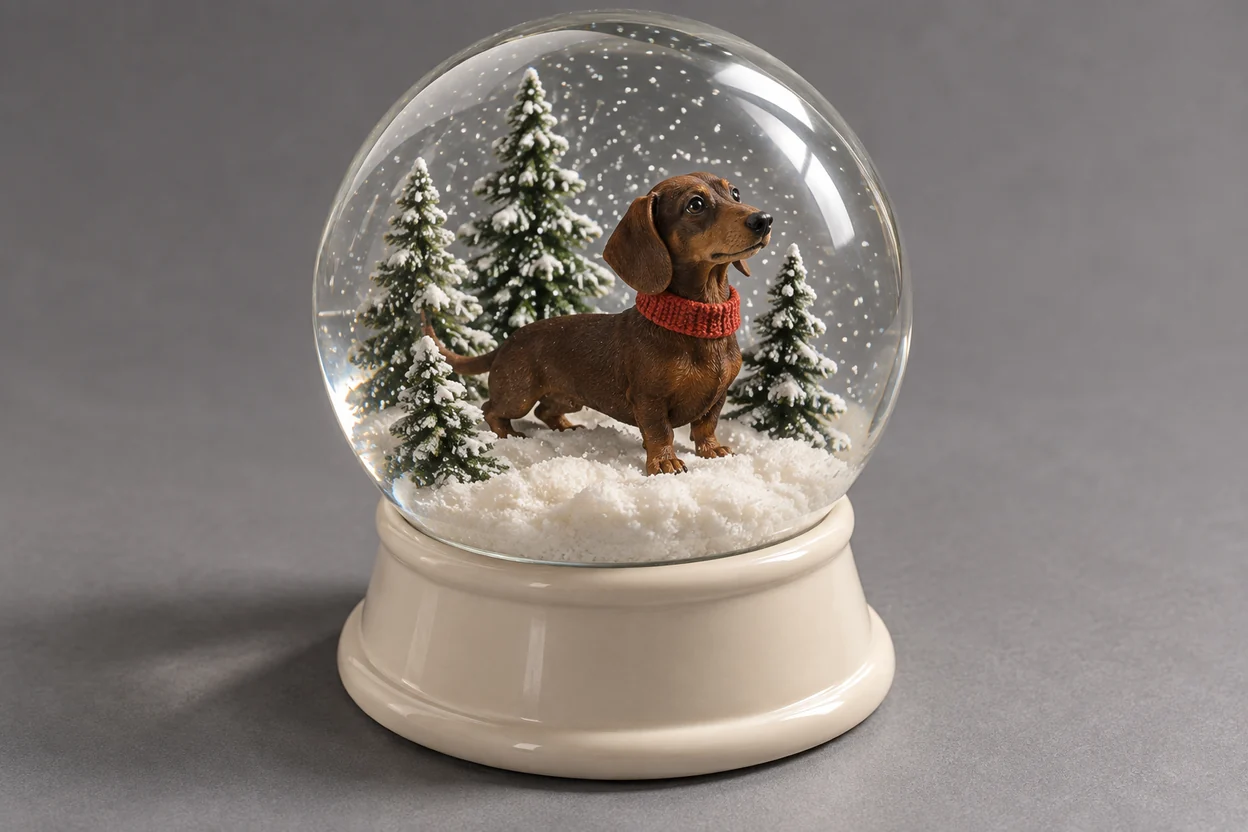
- Choose Nano Banana 2 edit mode and upload one clear portrait or character image. For the dachshund example, use a reference where its face and dark fur edges are easy to distinguish.
- Review the supplied edit text and change it if needed. Keep the face free of snow and glass glare, describe the miniature scale and framing, and include the spruce half-circle, ivory snowdrifts, ceramic base, and gray background if you want that setup.
- Check the displayed credit quote before starting. After the edit, inspect the face, fur edges, glass rim, and framing; use the result shown to decide whether it meets your needs.
Compare the source image and snow globe scene
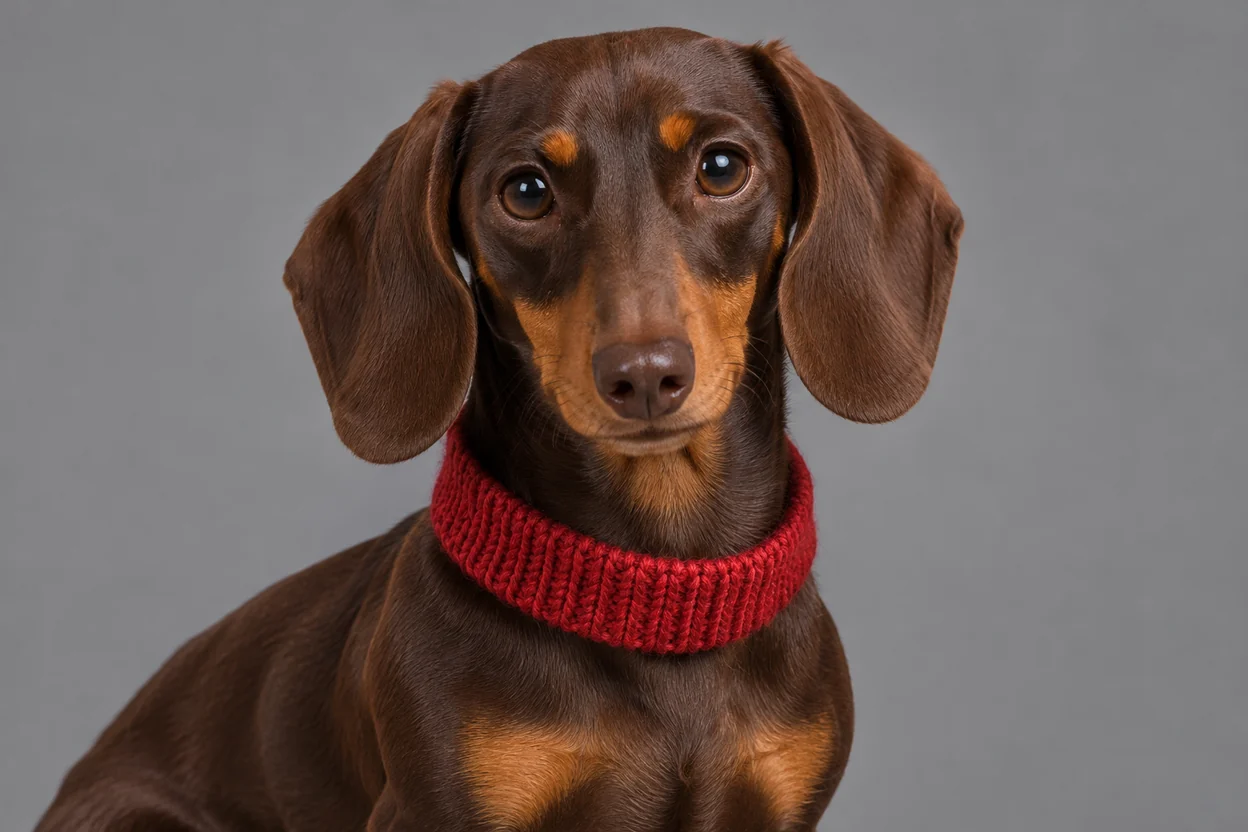
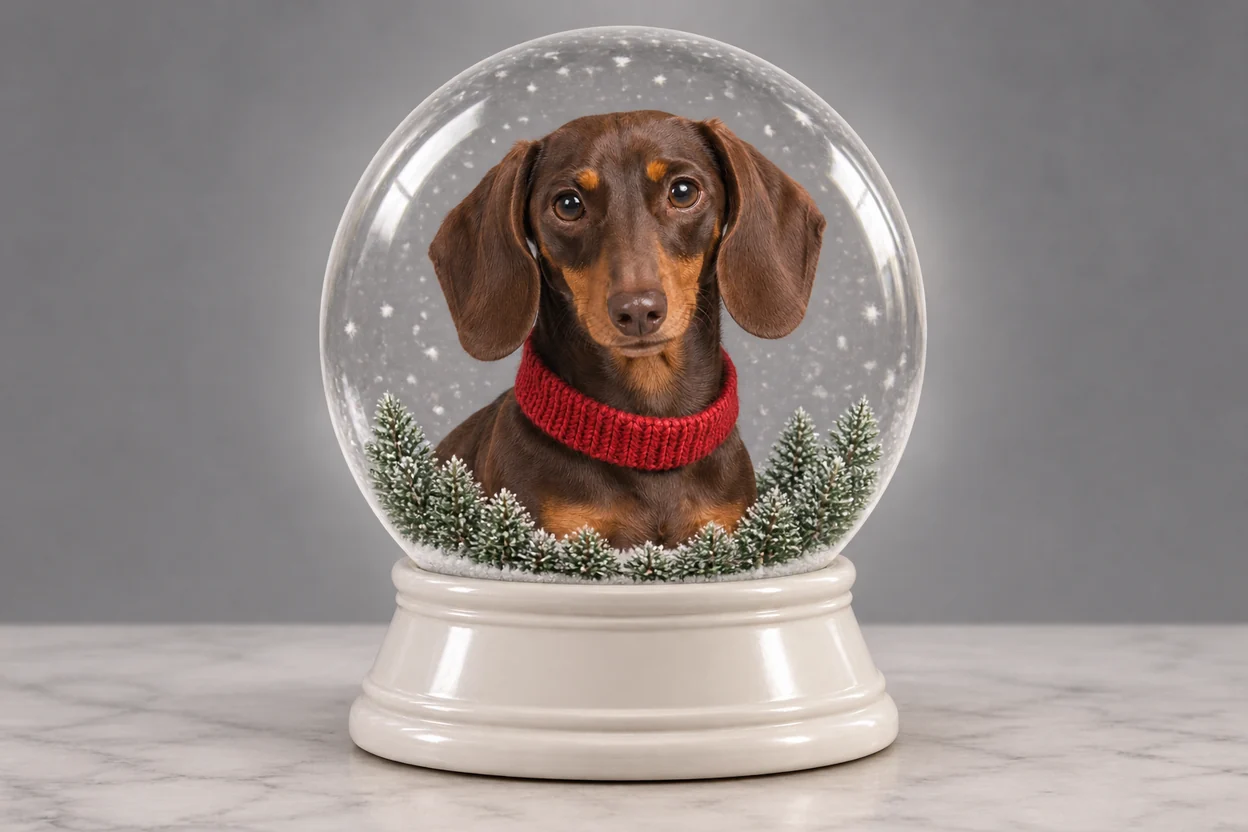
Review the image before using it
- Make sure the subject’s face and defining features remain clear, with no snowflakes or glass glare crossing them.
- Check that the subject looks appropriately scaled and fully framed inside the globe, with distinct separation between dark fur and glass.
- Inspect the flakes, rim highlight, snowdrifts, and base for distracting overlaps or details that obscure the subject.
Questions about the snow globe generator
Do I need to upload an image?
For the portrait-to-globe workflow, yes: upload one portrait or character image in Nano Banana 2 edit mode. The separate text-to-image mode creates a freshly imagined winter miniature and needs no upload.
Can I change the supplied edit text?
Yes. The edit text is already supplied, and you can change it before starting to adjust the subject, winter scene, framing, or other details.
How much does an edit cost, and how long will it take?
Check the displayed quote for the credits shown before starting. Afterward, consult History for the result and any available wait information; no fixed cost or completion time is promised here.
What should I check in the result?
Look for a clear face, visible subject-to-glass separation, suitable miniature scale and framing, and flakes or reflections that do not obscure important features.
Related tools
bulkbgremover.com · Updated
See update history
- — Use one clear reference in Nano Banana 2 edit mode to place a portrait or character inside a holiday snow globe. The supplied edit text can be changed, while text-to-image is a separate no-upload option for a newly imagined miniature. Check the displayed credit quote before starting and review the image for clear facial features, scale, framing, and glass details. Updated the page title to end with the site name.