


Make Them All Wear White Trend for team photos
Edit a group photo

History
Create a coordinated look with the Make Them All Wear White Trend. Upload one group photo to recolor visible clothing white, or explore a text-to-image concept with an editable prompt and no upload. Review the displayed quote before running either option.
How to try the trend
- Choose the group-photo edit option and upload one photo, or choose text-to-image to start from an editable prompt without uploading.
- For an edit, describe which visible clothing should turn white and what the model should preserve. Adjust the suggested prompt to suit your image.
- Review the quote displayed before running. After processing, inspect clothing edges, overlapping sleeves, fabric detail, and any changes to faces or background.
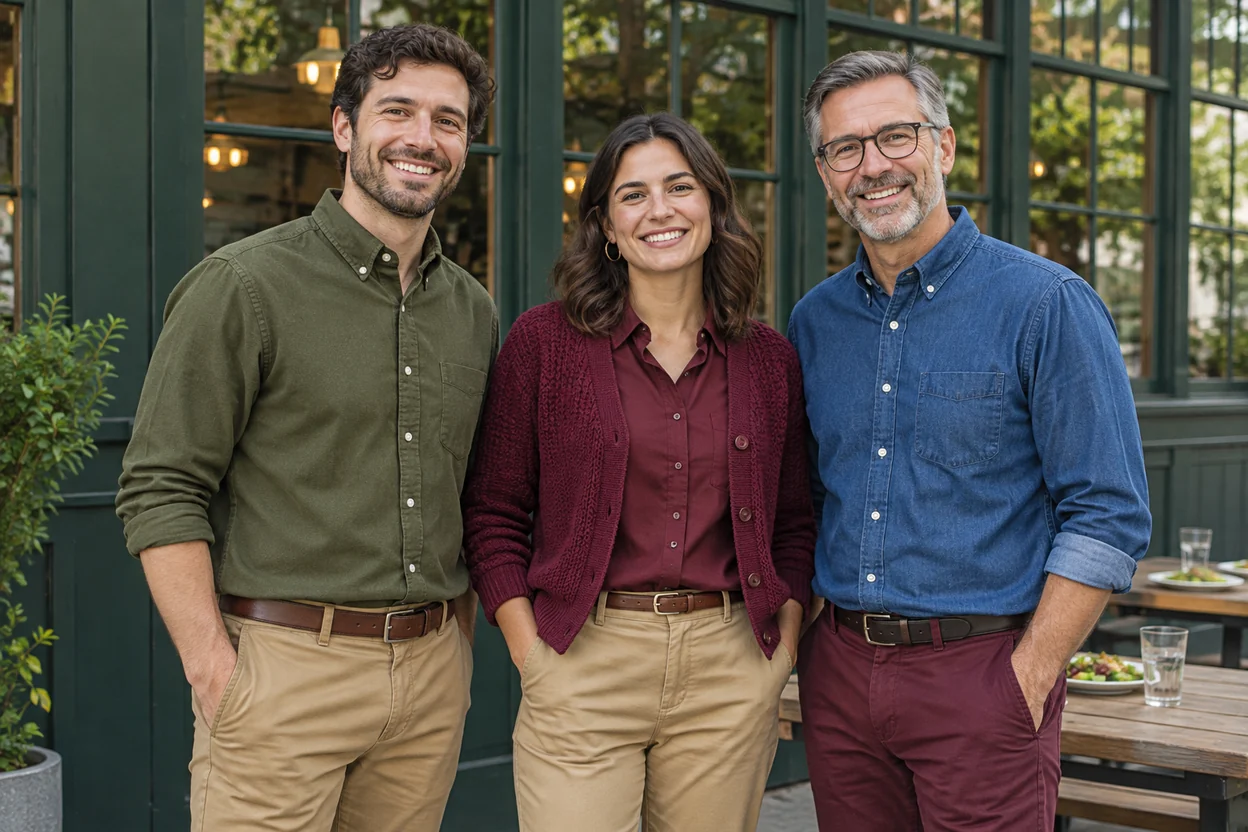
Compare the source photo and white-outfit example

What to check in the result
- Look for natural shadows and retained fabric texture so white clothing does not appear flat.
- Check overlapping sleeves and the borders between white garments and darker or brighter backgrounds.
- Compare faces, hair, poses, and the setting with the uploaded photo; the prompt asks for these to be preserved, but inspect the result.

Questions about the group photo tool
Do I need to upload a photo?
Upload one group photo for the clothing-recolor edit. The text-to-image option uses an editable prompt and does not require an upload.
What does the group-photo edit ask the model to change?
It asks Nano Banana 2 to make visible clothing white while preserving faces, hair, poses, and the background. Review the result to see how the edit handled your image.
Can I keep the original garment styles?
Yes. You can ask the model to retain details such as button-ups, a textured cardigan, and chinos while recoloring them. The prompt guides the edit but does not guarantee an exact outcome.
When will I see the quote?
The current quote is displayed before you run the edit or generation. Check it before continuing.
How long does an edit take?
Timing depends on current demand and your settings. Open History to see whether the image is still processing and to review the result when it finishes.
Can I try this with my current credits?
Sign in to check your balance and access. Before you start, compare your available credits with the quote shown for the chosen mode and settings.
Related tools
bulkbgremover.com · Updated
See update history
- — Use one group photo to explore a white-clothing edit, or start from an editable text-to-image prompt without an upload. Check the displayed quote before running and review the result for garment detail, edges, and preserved scene elements. Clarified how the team-photo example separates white cuffs and hems from the storefront. Updated the page title to end with the site name.