

Create the ChatGPT Sweater Portrait Trend
Edit a portrait
History
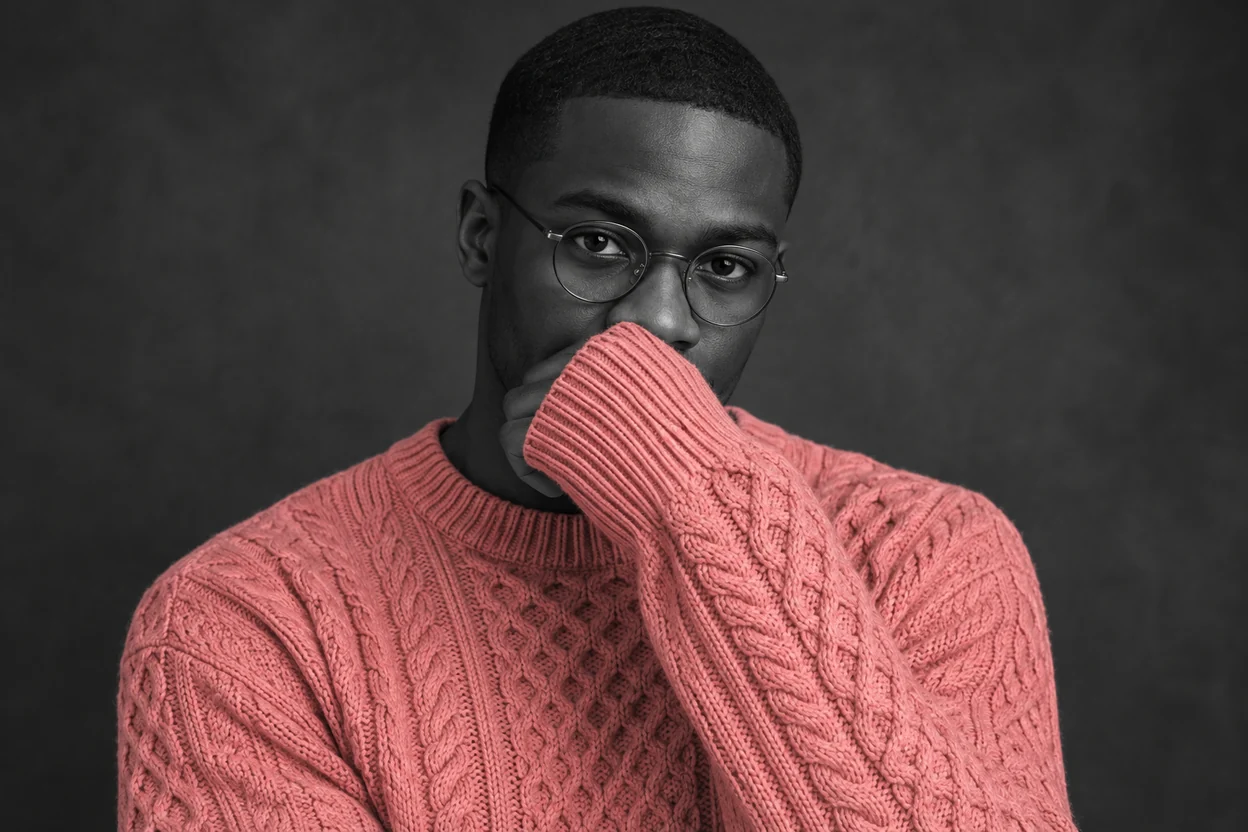
The ChatGPT Sweater is a portrait trend featuring a pink knit sweater against a restrained background. In edit mode, upload one portrait and guide the model to preserve the person’s identity and facial features, keep both eyes and natural hair visible, and place one sleeve just in front of the lower mouth. Text-to-image is a separate option for creating a fictional portrait without uploading a photo.
How to Make the Portrait
- Choose a mode: upload one portrait for editing, or use text-to-image separately to create a fictional portrait without an upload.
- For an edit, select a clear reference with both eyes and natural hair visible. Ask for the pink knit and specify that one sleeve sits just in front of the lower mouth.
- Review the result for recognizable facial features, unobstructed eyes, natural-looking hair, and cuffs placed clear of the glasses. Refine the prompt if needed.
Compare the original portrait and pink-knit edit

What to Check
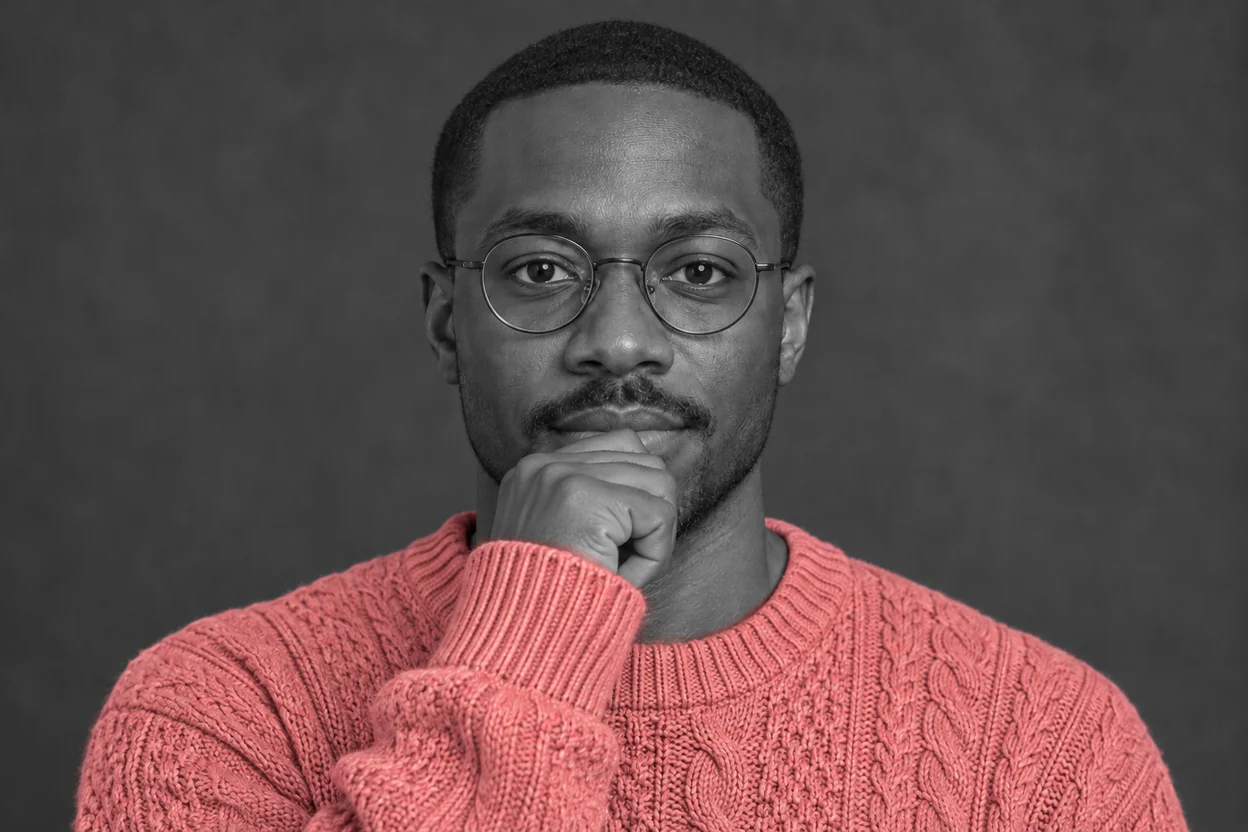
- The edited portrait still looks like the reference subject, with facial features and both eyes preserved.
- Natural hair remains visible, and the sleeve sits in front of the lower mouth without covering the eyes or nose.
- The salmon-pink knit stands apart from the monochrome styling, with cuffs clear of the glasses.
Questions about the pink-knit portrait
What does the ChatGPT Sweater portrait trend look like?
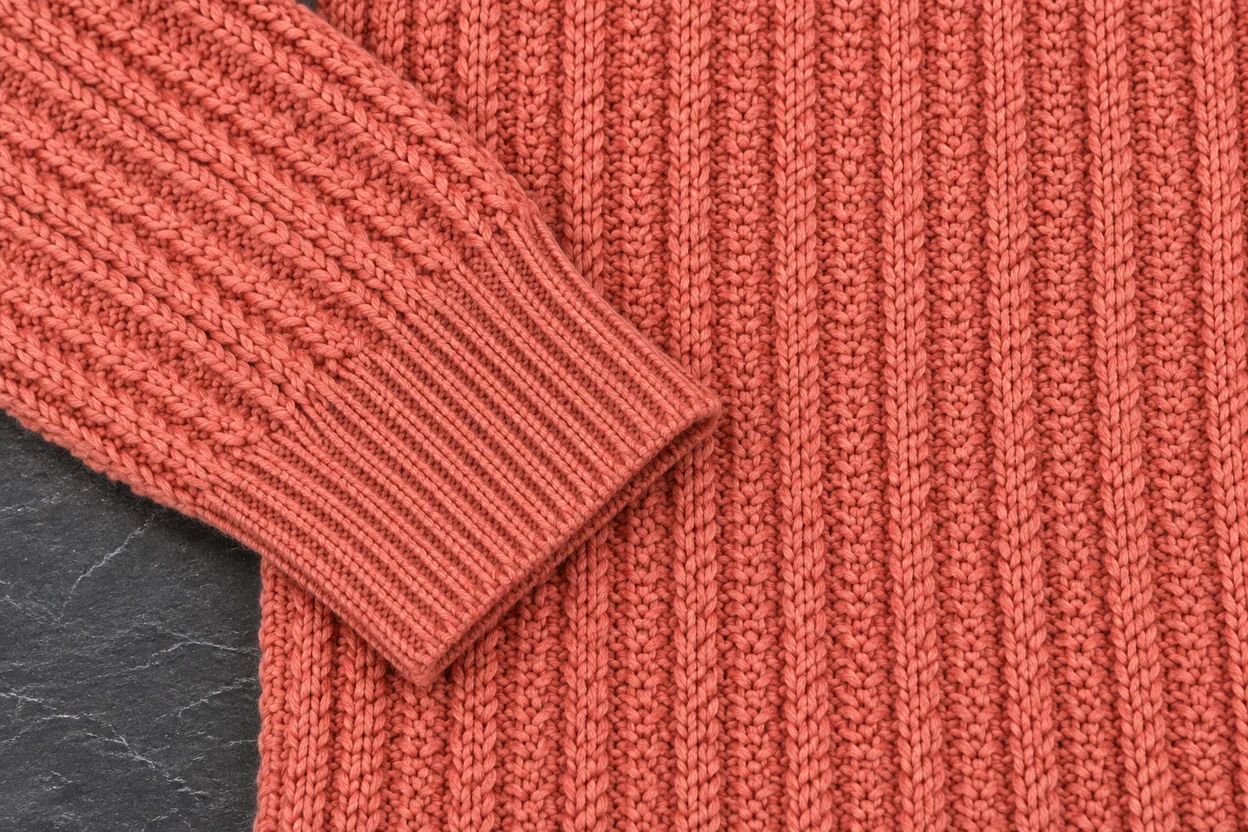
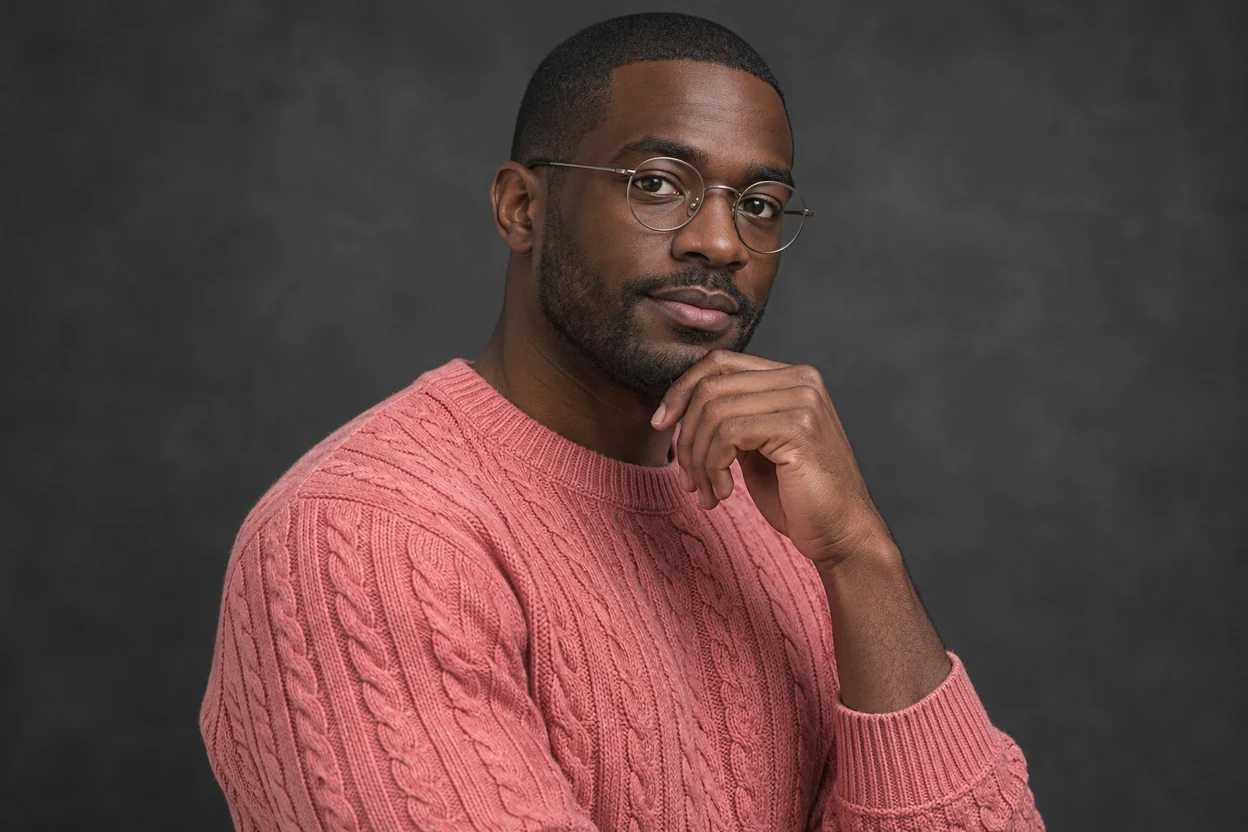
It is a portrait concept centered on a pink knit sweater, a clear view of the face, and a sleeve placed just in front of the lower mouth. This page uses a salmon-pink fisherman knit against a matte charcoal backdrop as its creative setup.
Can I edit my own portrait?
Yes. Edit mode accepts one portrait. Use a clear reference and guide the model to preserve identity and facial features, keep both eyes and natural hair visible, and place the sleeve in front of the lower mouth.
Can I make a portrait without uploading a photo?
Yes. Text-to-image is a separate mode for creating a fictional portrait without an upload. It does not edit a person from a reference photo.
How should I prepare the portrait and check sleeve placement?
Choose a well-framed photo where both eyes, facial features, and natural hair can be seen. In the result, check that the sleeve is only in front of the lower mouth and that the cuffs stay clear of the glasses.
How long does the pink-knit edit take?
Check History after you submit. The task status shows when your edit is ready to compare with the original portrait.
Can I try this with my current credits?
Sign in to check your balance and access. Before you start, compare your available credits with the quote shown for the chosen mode and settings.
Related tools
bulkbgremover.com · Updated
See update history
- — The ChatGPT Sweater portrait trend pairs a pink knit with a clearly visible face. Edit one portrait while guiding the model to preserve identity, keep both eyes and natural hair visible, and place one sleeve just in front of the lower mouth. Or use text-to-image separately to create a fictional portrait without uploading a photo. Updated the page title to end with the site name.