

 Christmas Dance Trend
Review a Christian Dior Dance Trend Catalog Rehearsal
Christian Dior Dance Trend
Preview the staging
History
Loading history…
Use the Christian Dior Dance Trend setup to check a short duet rehearsal against a clean catalog background. Upload one side-by-side photo and review outfit separation, foot contact, and the held pose.

Set up the duet
- Select exactly one group photo of two adults standing side by side; use the people as positioned in that same photo, with no separate portraits.
- Inspect the edges of the two outfits against the background. Both shoes should be visible against the floor before you animate the pair.
- Review the contact sheet for clean wardrobe separation, grounded feet during the side-step exchange, and a readable final pose.
Plan the spacing, step and finish
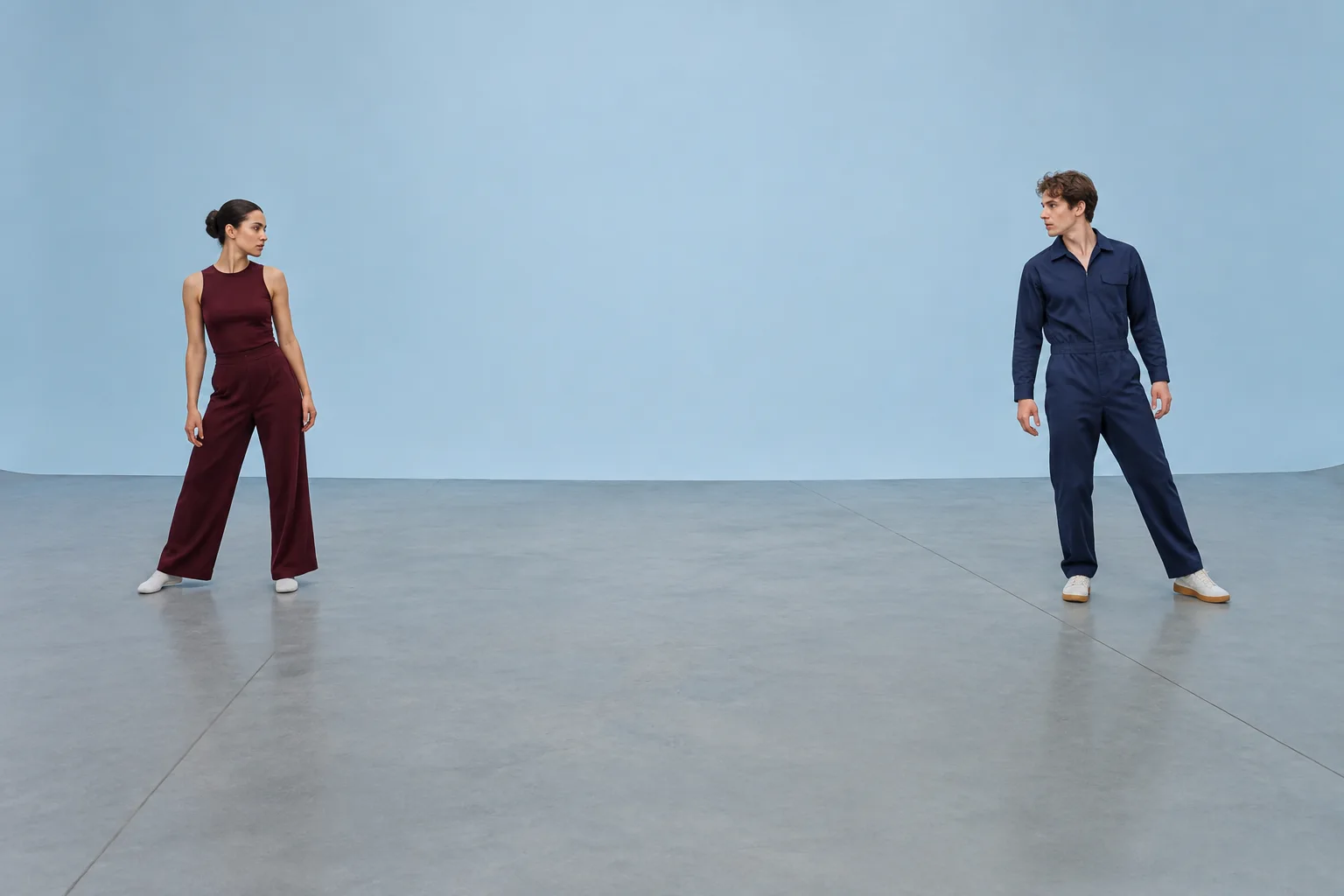
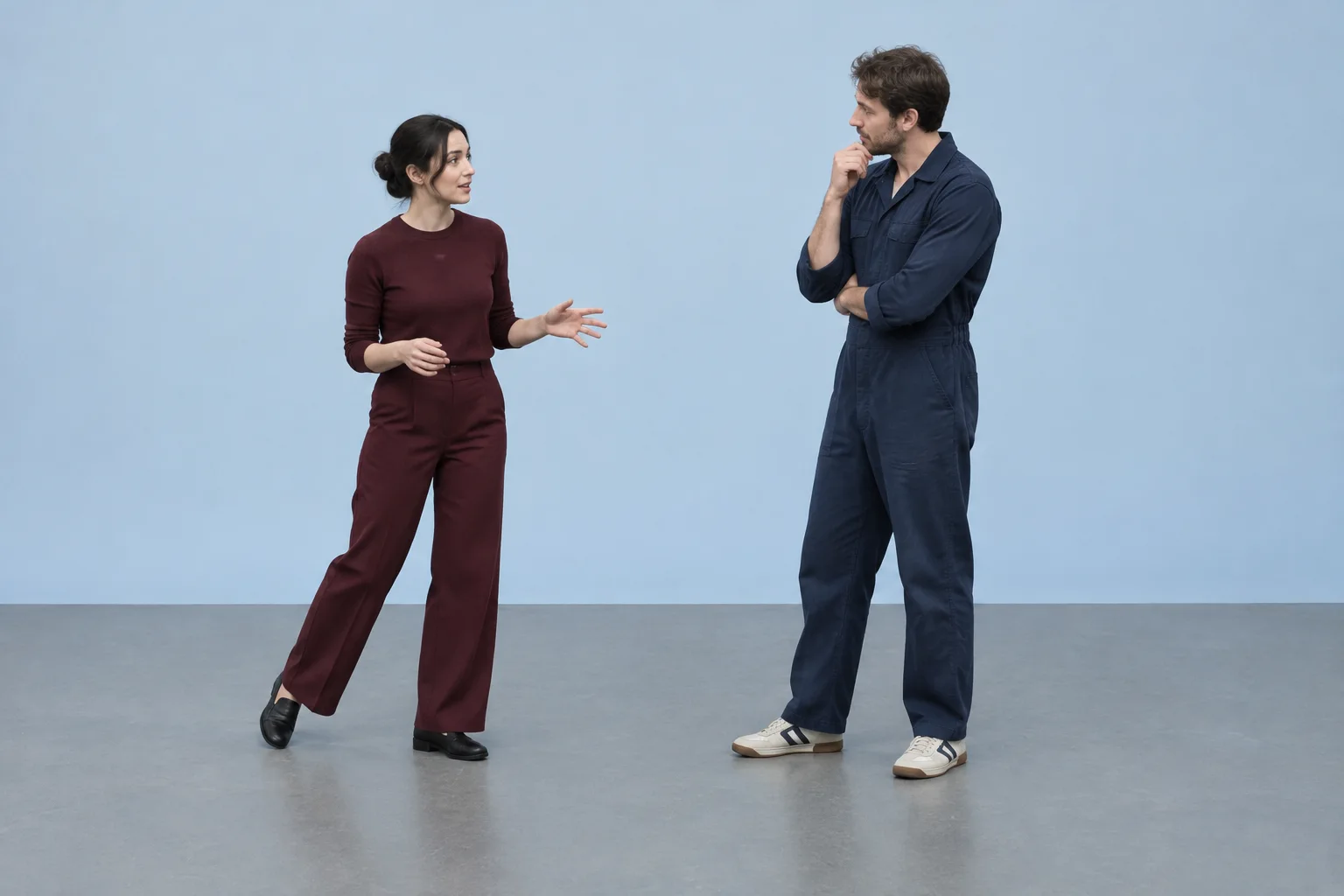

Review your clip
- Keep the pale blue background even and uncluttered so the burgundy and navy outfits remain easy to distinguish.
- Check that both contrasting shoes stay visible and meet the grey floor naturally in each pose.
- In Optional visual notes, ask for a specific review focus, such as “prioritize clear shoe-to-floor contact.”
Questions about the duet
How many photos does this setup accept?
Use exactly one photo showing two adults standing side by side. Do not provide separate images; the left and right roles come from the people in that one photo.
Who is eligible, and are credits needed?
Eligibility and credit requirements depend on the service and account. Check the current eligibility details and your actual credits before submitting.
How long should I wait, and where can I check progress?
Wait times may vary. Track the submission and review its status or result in History.
Can I add an optional note?
If the form has an optional note field, you can leave it empty or specify a review priority, for example “check that both shoes stay grounded.”
Related video guides
 Like Jennie AI Dance Trend
 Apartment Dance
bulkbgremover.com · Updated
See update history
- — Added a two-person dance generator with a prepared motion reference and guidance for checking wardrobe edges.