

Prepare portraits for Cat Taxi AI
Create your Cat Taxi AI scene
Watch a yellow-cab motion study
History
Loading history…
Start with two distinct photos: one adult passenger and one cat to appear as the driver. Choose clear portraits with visible outlines, especially around loose hair and whiskers. This guide helps you prepare those references and describe an eight-second side-window scene while keeping each subject in the intended role.
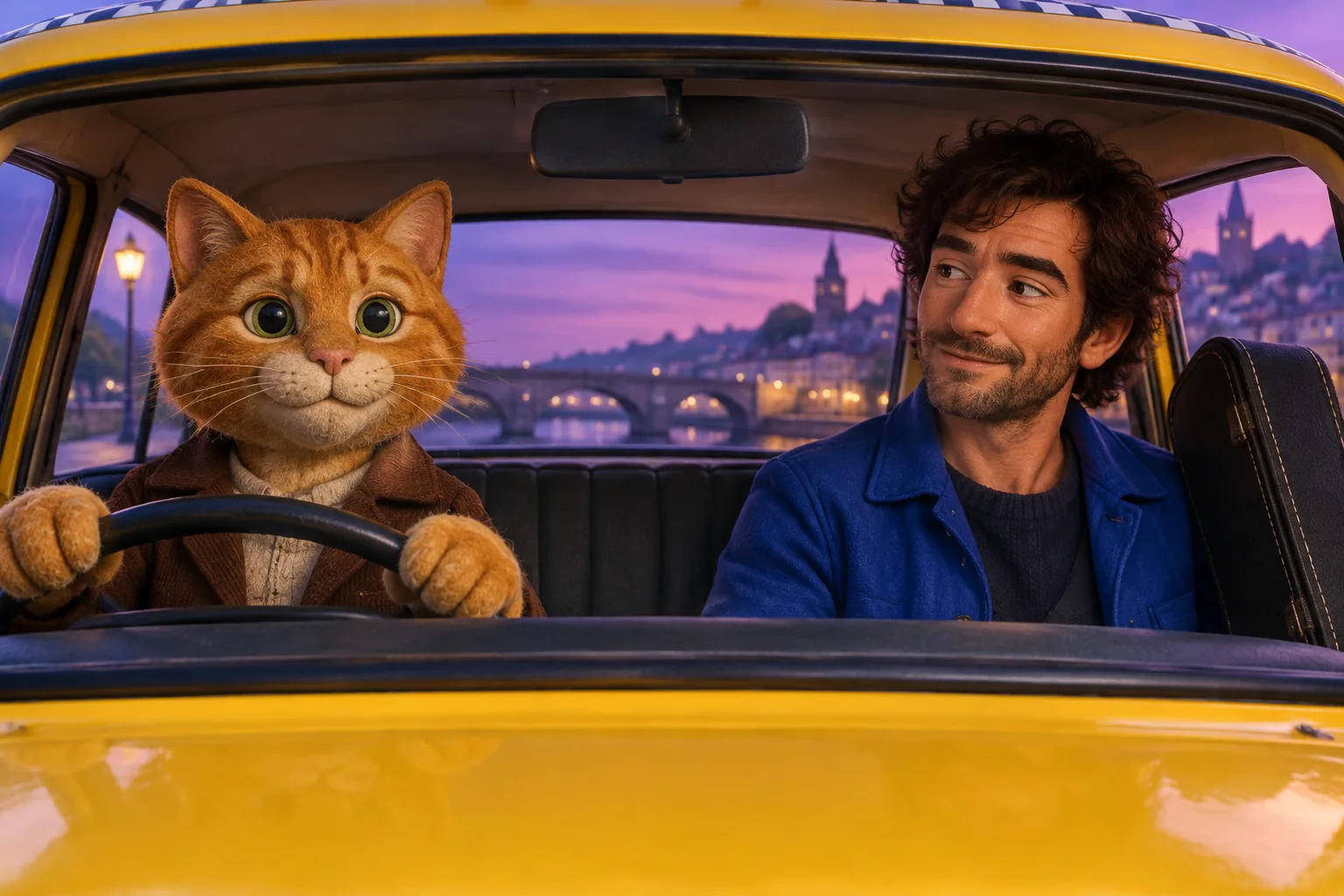
How to create a Cat Taxi AI video
- Prepare two separate source portraits in the correct order: the adult passenger photo first as @Image1, then the cat driver photo as @Image2. Clear, well-lit images with visible faces make useful references.
- The eight-second scene direction is already prepared. Add optional visual notes, then select the available settings that suit your shot.
- After selecting both images and your settings, check the live credit quote before starting.
- Inspect the result for identity continuity, eye visibility, character positions, cab orientation, and lighting. Revise your direction if you want to try another version.
Choose two separate portraits

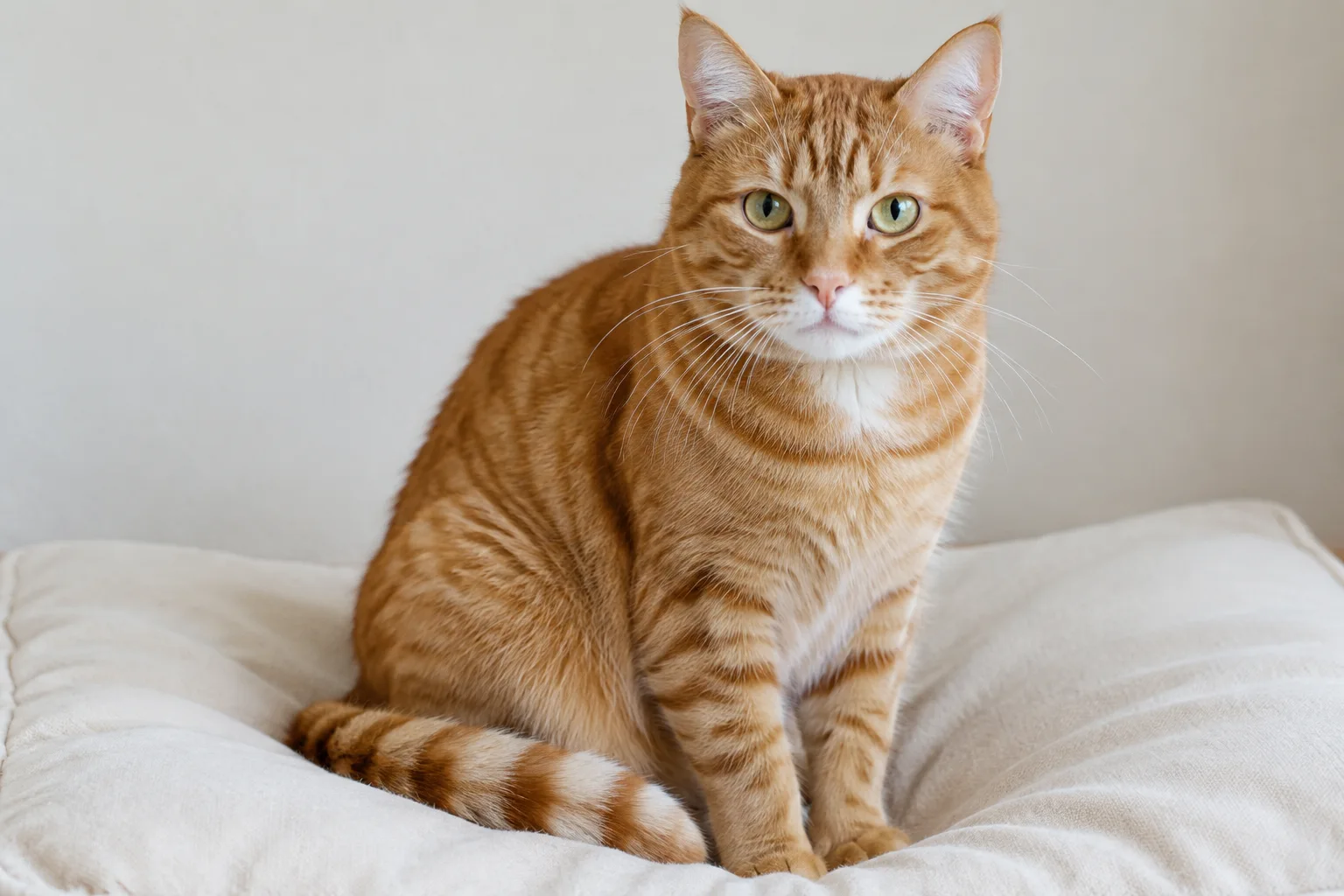
Frame the passenger and driver
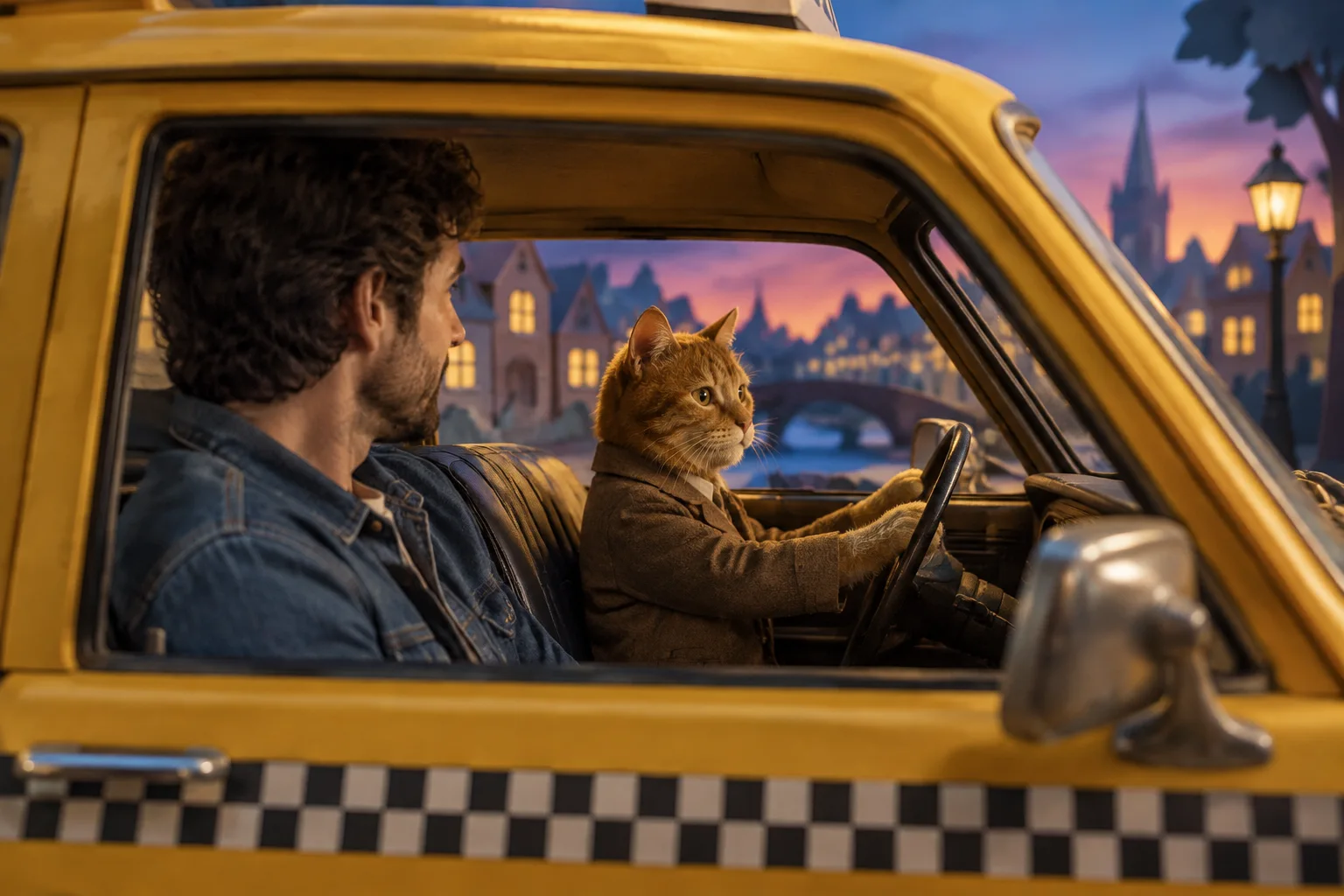
- Use a sharp passenger portrait with the head and hair fully in frame. Choose a background that contrasts with the hair, and avoid shadows crossing the outline.
- For the cat portrait, keep ears and whiskers visible against a contrasting background. Avoid cropping whisker tips or using a busy backdrop that blends with fine fur edges.
- Upload the adult passenger as @Image1 and the separate cat-driver photo as @Image2. Keep the prompt explicit about who sits where, and describe the side-window view and gentle movement.
Cat Taxi AI questions
Can I use two separate photos?
Yes. Cat Taxi AI supports two separate photos. Put the adult passenger reference first as @Image1 and the cat driver reference second as @Image2.
What can help keep the cat’s whiskers visible in the side-window scene?
Use a clear cat photo with whiskers fully in frame and a background that contrasts with them. In the prompt, ask for soft, even lighting and a steady view through the window. Fine edges may still vary in the generated result.
Is there a fixed credit price, and is the result guaranteed?
Review the current quote for your selected settings before submitting. Generated scenes can vary, so check the passenger’s face and the cat’s markings before exporting.
Is this showing a real taxi stunt?
No. The cat taxi is a fictional scene for a creative video. Do not attempt to stage a real driving stunt.
Related video tools
bulkbgremover.com · Updated
What's new on this page
- — Added a Cat Taxi AI video guide for turning separate photos of an adult passenger and a cat driver into a fictional taxi scene.