

Compose, Compare, and Refine Kling Image 4.0 Prompts
Compose, Compare, and Refine Kling Image 4.0 Prompts
History
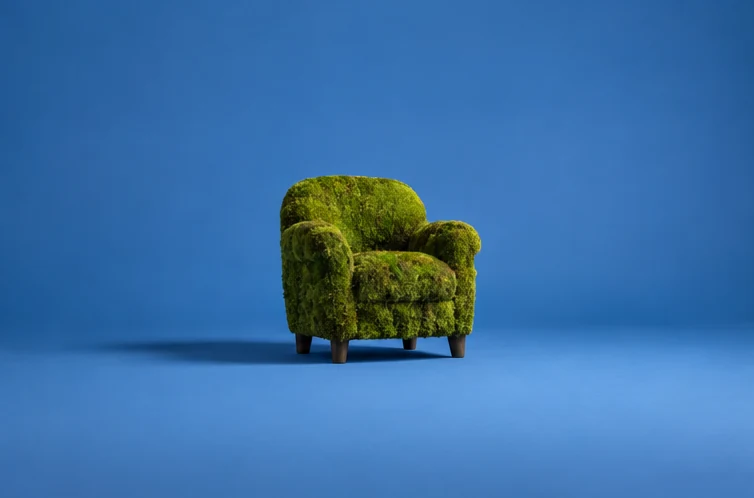
Start with one original scene, then compare prompt variations and refine the details you want. Choose text or an optional reference according to the selected mode, and select 2K or 4K output. Each generation returns one result. This is a paid service; check the live credit quote before generating.
A Simple Prompt Workflow
- Choose the selected mode: text or optional reference.
- Start with the scene and add one clear change.
- Select 2K or 4K, review the live credit quote, and generate one result.
What to Compare
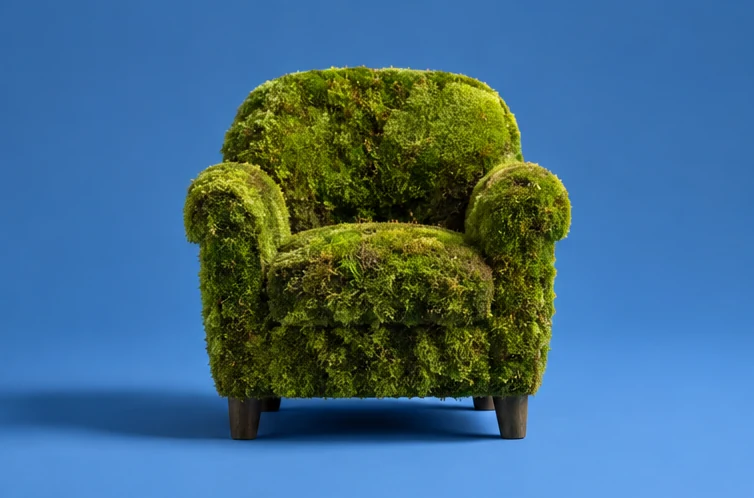
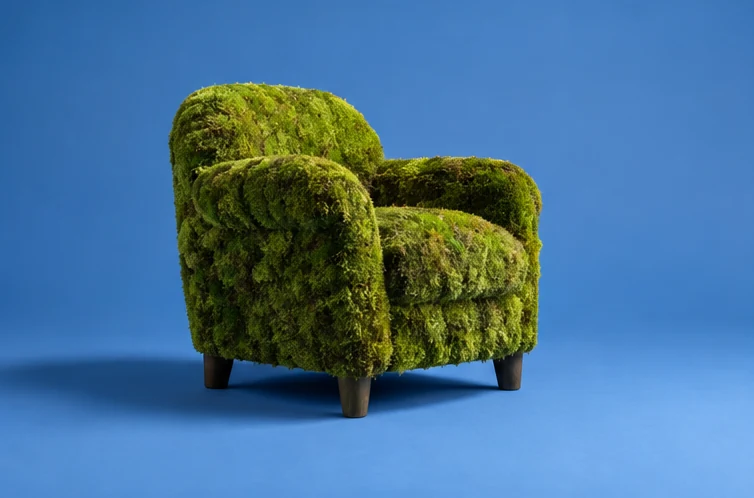
- Compare how each prompt describes the armchair's viewpoint.
- Check whether the plain blue sweep remains part of the scene.
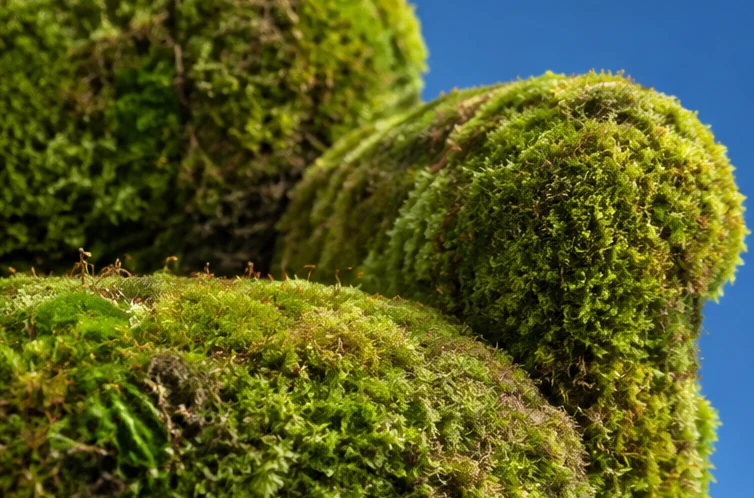
- Refine one detail at a time to make prompt differences clear.
Common questions
How can I compare reusable prompts?
Keep the armchair and blue sweep consistent, then vary one detail such as the viewpoint. Review each prompt alongside its single generated result.
Can I use a reference image?
Text or an optional reference is available according to the selected mode. Choose the mode that fits your prompt workflow.
What output and generation controls are available?
Choose 2K or 4K output. Each generation returns one result, and the service is paid; check the live credit quote before generating.
bulkbgremover.com · Updated
See update history
- — This page offers prompt examples for one original scene featuring a small moss armchair on a plain blue sweep. Updated the page title to end with the site name.